StackRoll
5 reward systems, one wallet and physical prizes, made easy to follow
StackRoll is a crypto casino where some prizes are physical: PSA-graded trading cards that a player can keep in a vault, ship home or sell back. Over 3 months at Flat Studio I designed most of the logged-in product: the information architecture and navigation, Account and Rewards, Wallet, game launch and the Global Chat.
The Goal
The client wanted to launch fast and stand out with 2 things: games a player can verify with Provably Fair, and a bonus system that’s easy to understand. The bonuses were the hard part: 5 rewards with their own rules and timers had to feel like one system, and the wallet had to show what can be withdrawn and what is still locked.
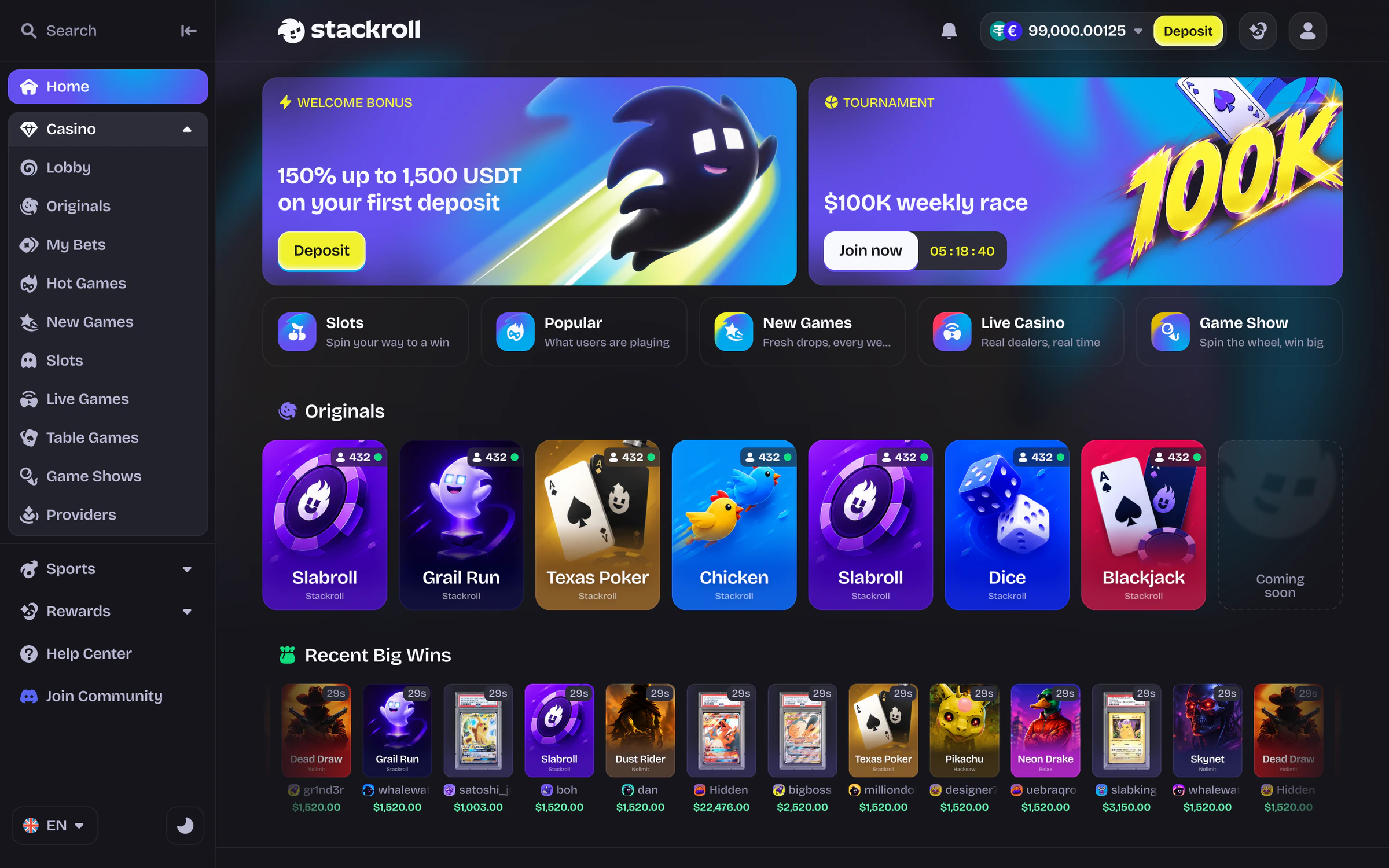
How I Approached It
I owned these parts end to end: page structure, flows, every state and edge case, the design system and the files developers built from. I worked directly with the client and their development team.
The client sent technical docs with the rules for each feature. Before any UI, I wrote the structure of every page as text: what a guest sees, what changes after login, where each reward lives in the Account. Changes were cheap at that stage, and problems showed up early. When something didn’t add up, like the same Rakeback claim in 2 places or withdrawal limits from 2 sources, I brought it to our calls as a list of questions.
Staying in touch with the developers let me check technical limits early and design around them, which meant less rework on tight deadlines.
I also used AI where it saved time: quick prototypes to test ideas before designing them, and a Figma skill with the design system rules, so an AI agent could take the repetitive layout work. That kept dozens of states consistent and left me more time for the decisions below.
User Account
The Account is where a player keeps track of everything they’ve earned: VIP level, rewards, money and bets.
Overview
Challenge
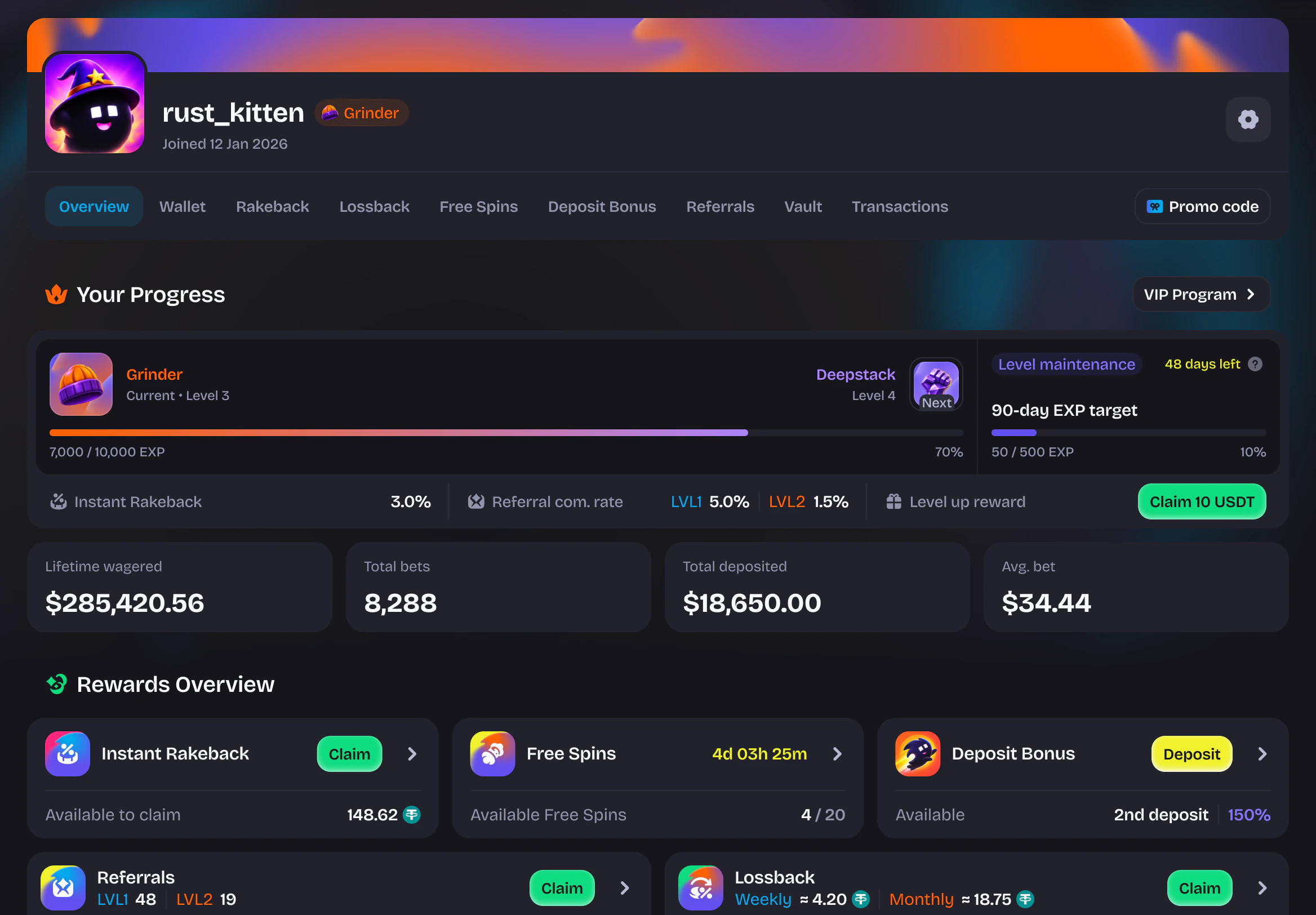
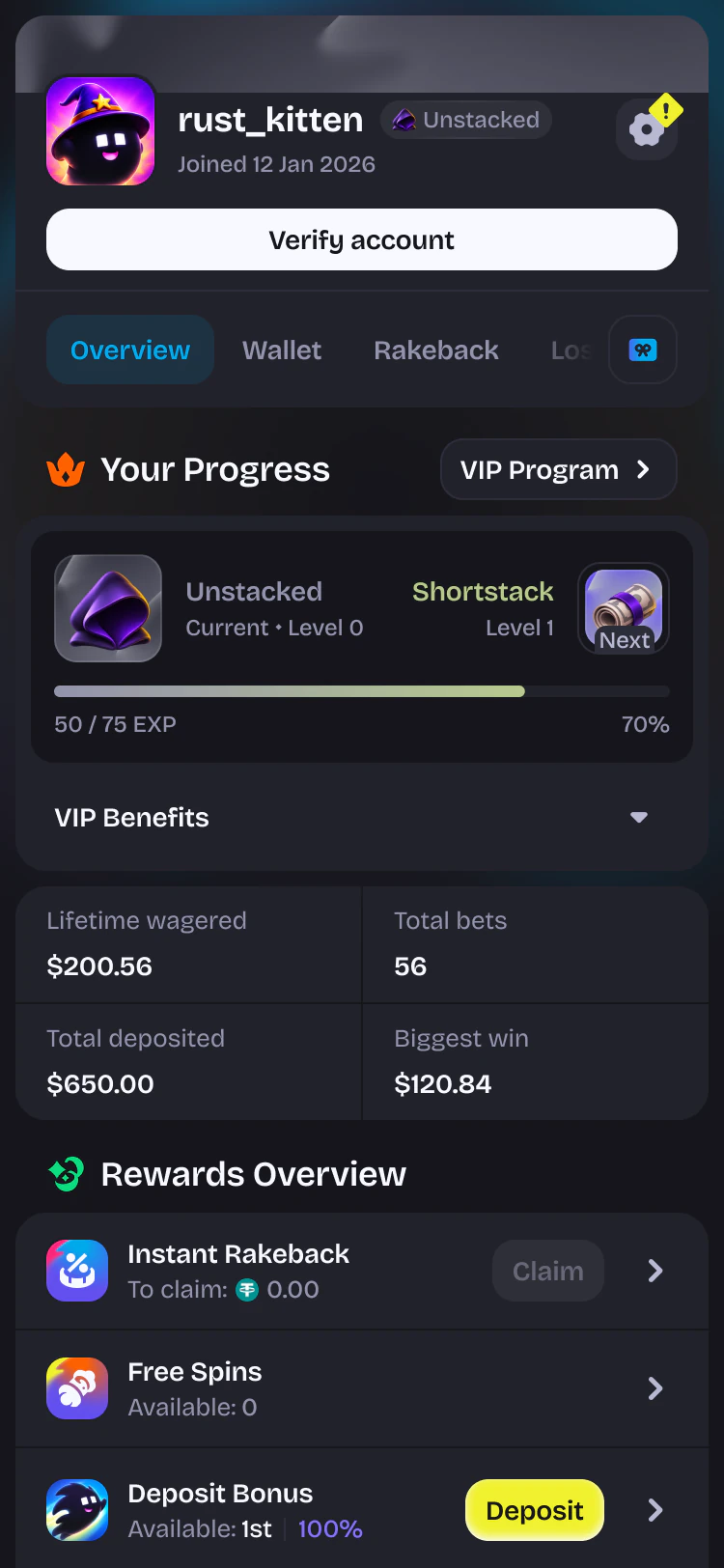
The bonus system is wide: 5 rewards, each with its own tab, timers and claim button, plus VIP progress and stats. To see what’s waiting, a player would have to open tab after tab. And a new player has none of this yet, so a page built for active players would look empty.
Decision
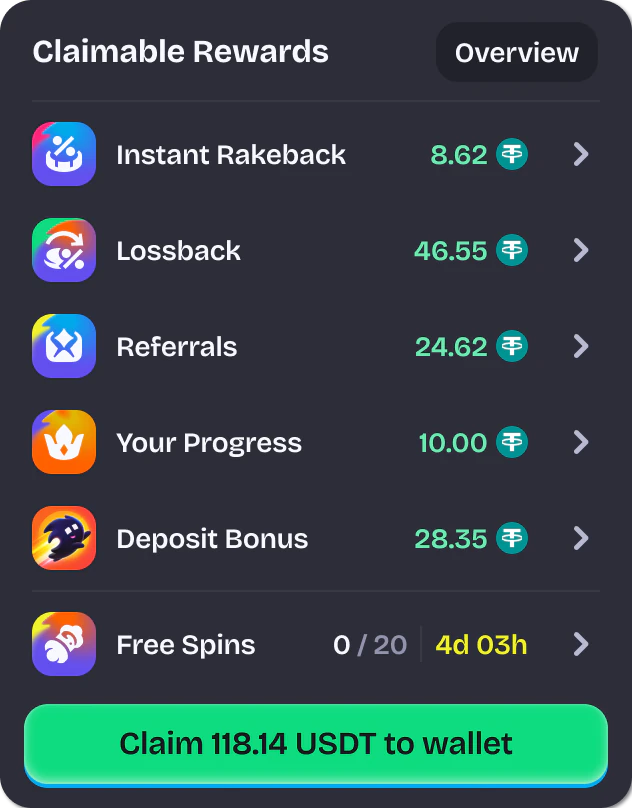
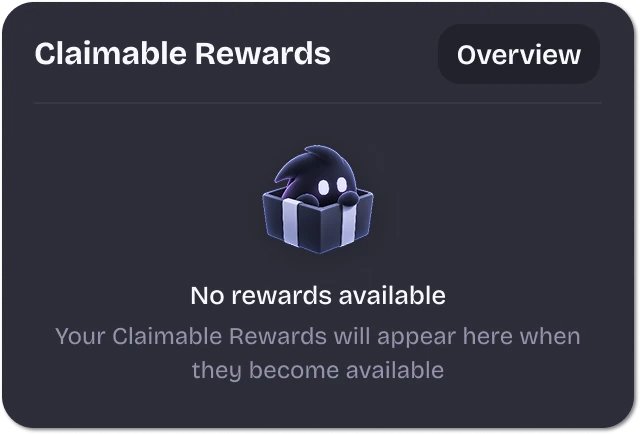
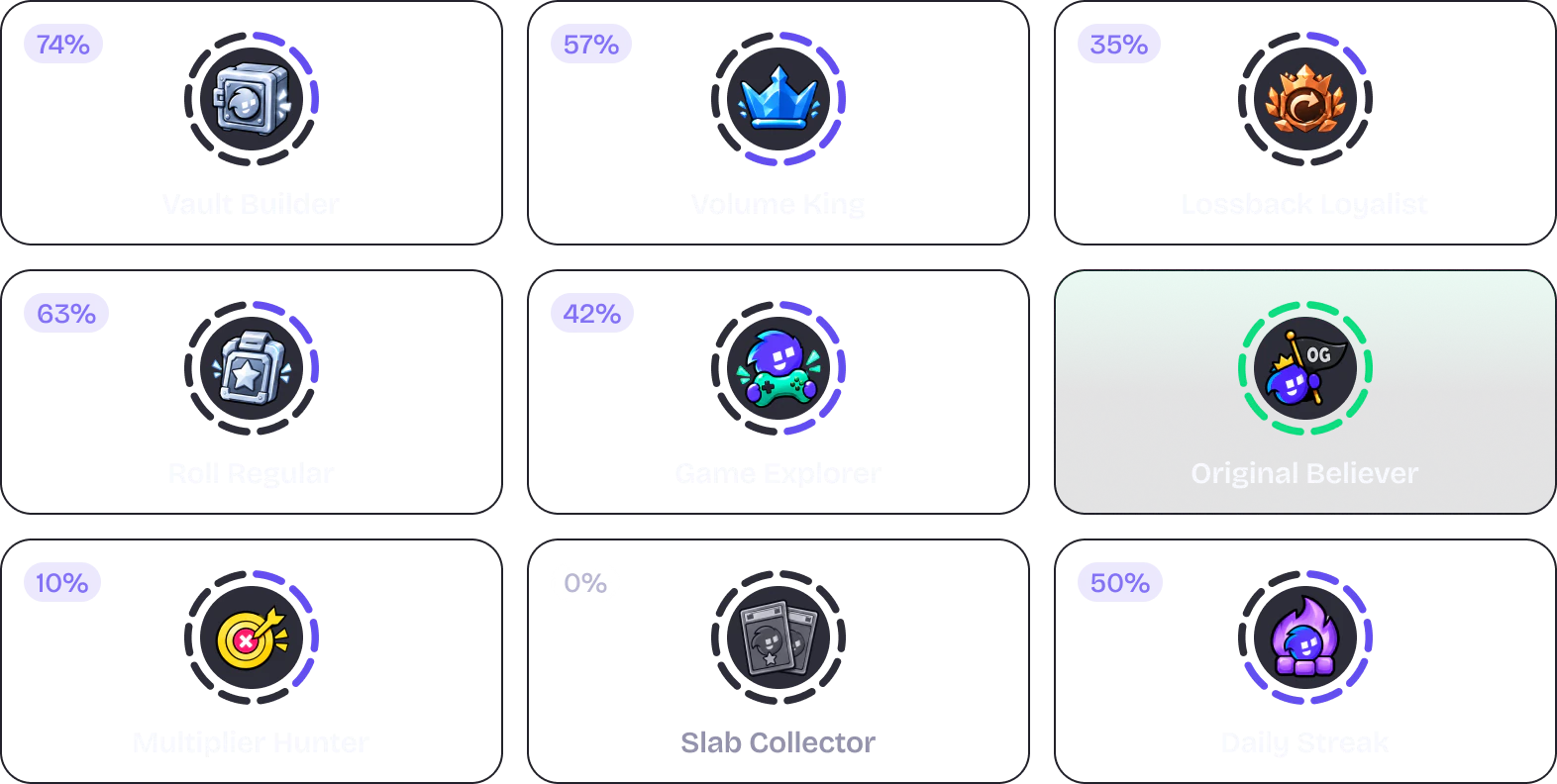
I made the Overview a hub with shortcuts to everything in the Account. Each reward gets one card with its state and one action: Claim, Deposit or a timer. The details stay one click away in its tab. A new player sees the same cards with zero values and a disabled Claim, so they already see what they can earn. Everything ready to claim is also collected in a header dropdown with one total, so a player can claim it all from any page.
VIP Levels
Challenge
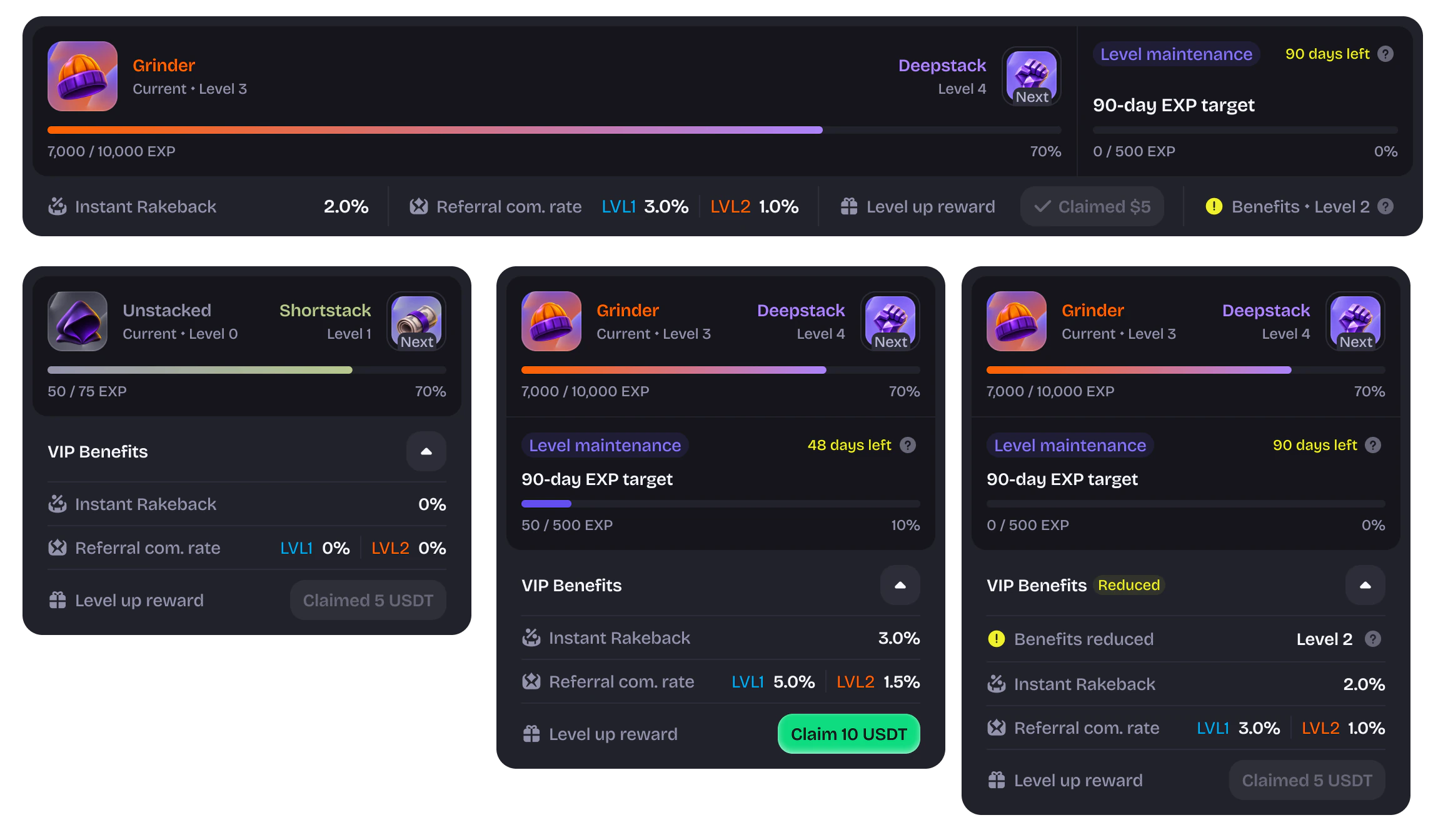
Every 90 days a player needs a set amount of EXP to keep their level. Losing a level they worked for feels like a punishment, especially when it comes as a surprise.
Decision
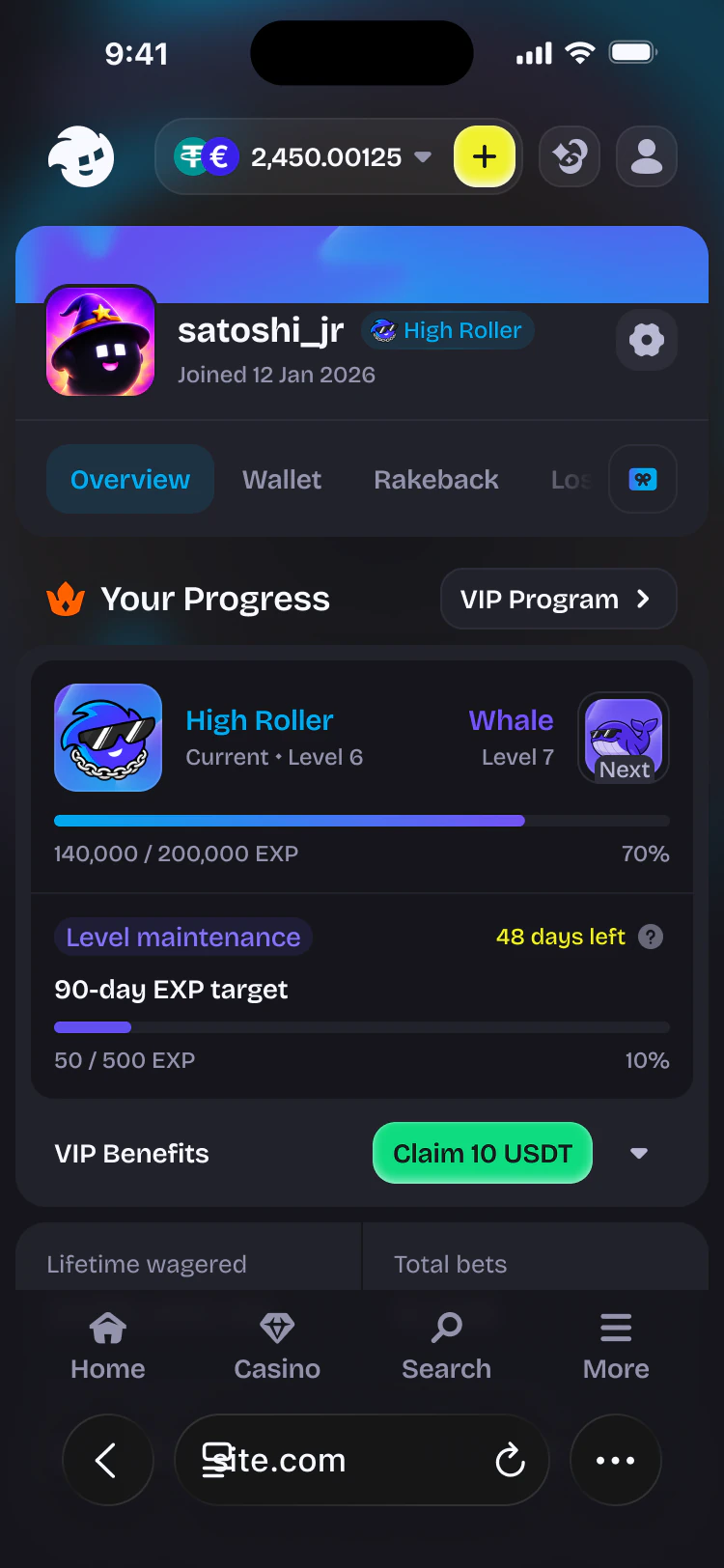
So status and benefits are split. The level is earned and stays. Only the benefits, the part that actually costs the platform money, drop by one level, and they come back once the player hits the target again. The 90-day target and countdown sit on the Overview from day one, so the player sees it as a goal from the start. When benefits drop, a toast explains it once, and the benefits row shows which level they now come from.
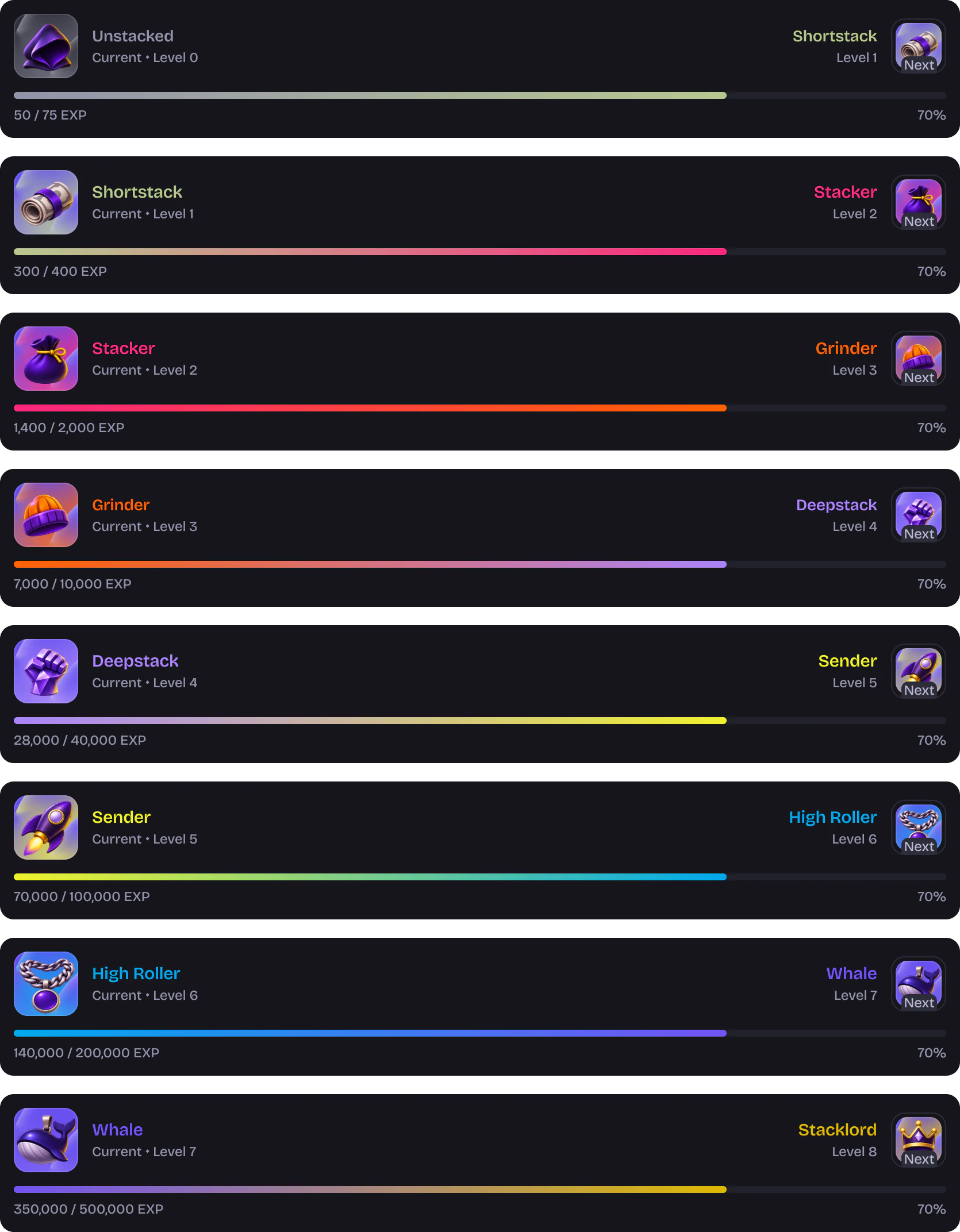
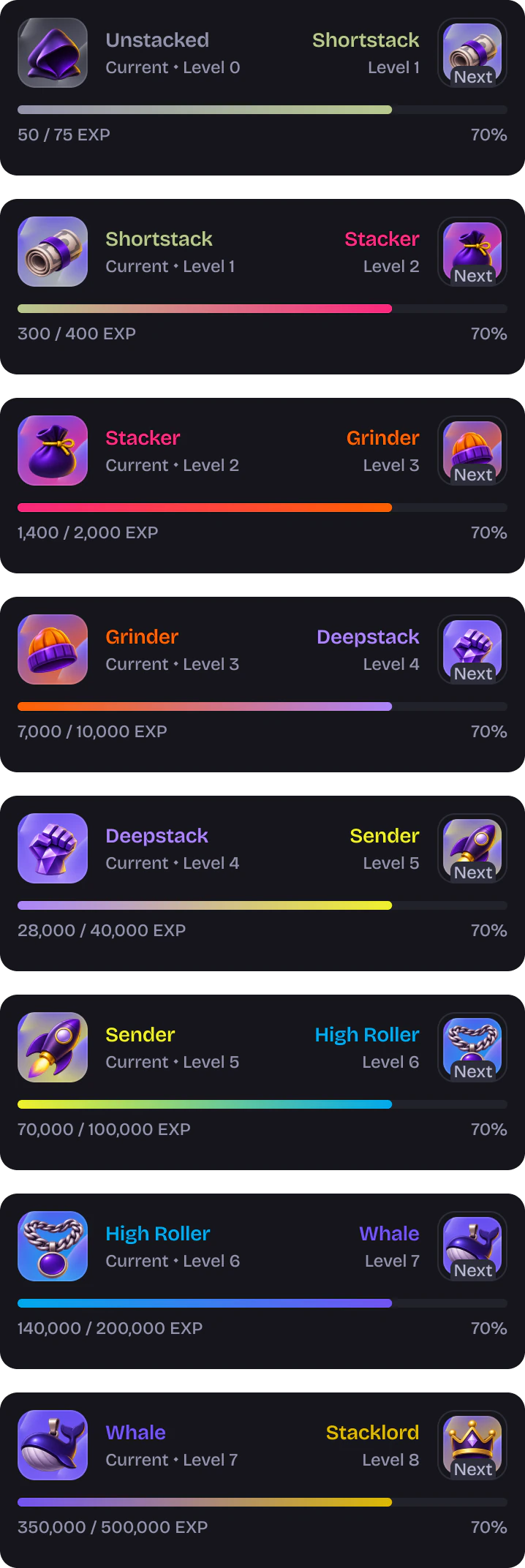
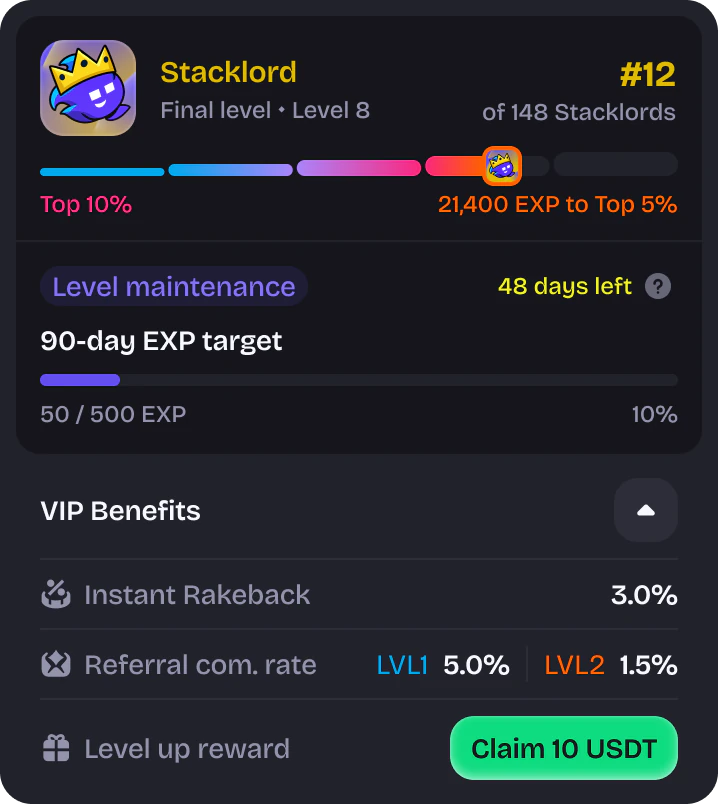
At the last level there is nothing left to unlock, so the progress bar turns into a rank: the player’s place among others at that level and the EXP left to reach the top 5%.

Rewards
VIP, Deposit Bonus, Lossback, Rakeback and Referrals each come with their own rules, timers and edge cases. In the client’s first screens, the same Rakeback claim showed up in 2 places, and it wasn’t clear which one was real.
With the team, we agreed on one rule: every reward has one home. The public page holds the full rules. It’s open to everyone, so a player can understand a reward before signing up and search engines can index it. After login it’s the same page, with the player’s progress on top. The Account is a hub: only the player’s numbers and the next action, like Claim, with the rules one click away under “How it works”. The Wallet shows the result, because a claimed reward turns into USDT right away.
Once a player learns this for one reward, they know where to look for the other 4.
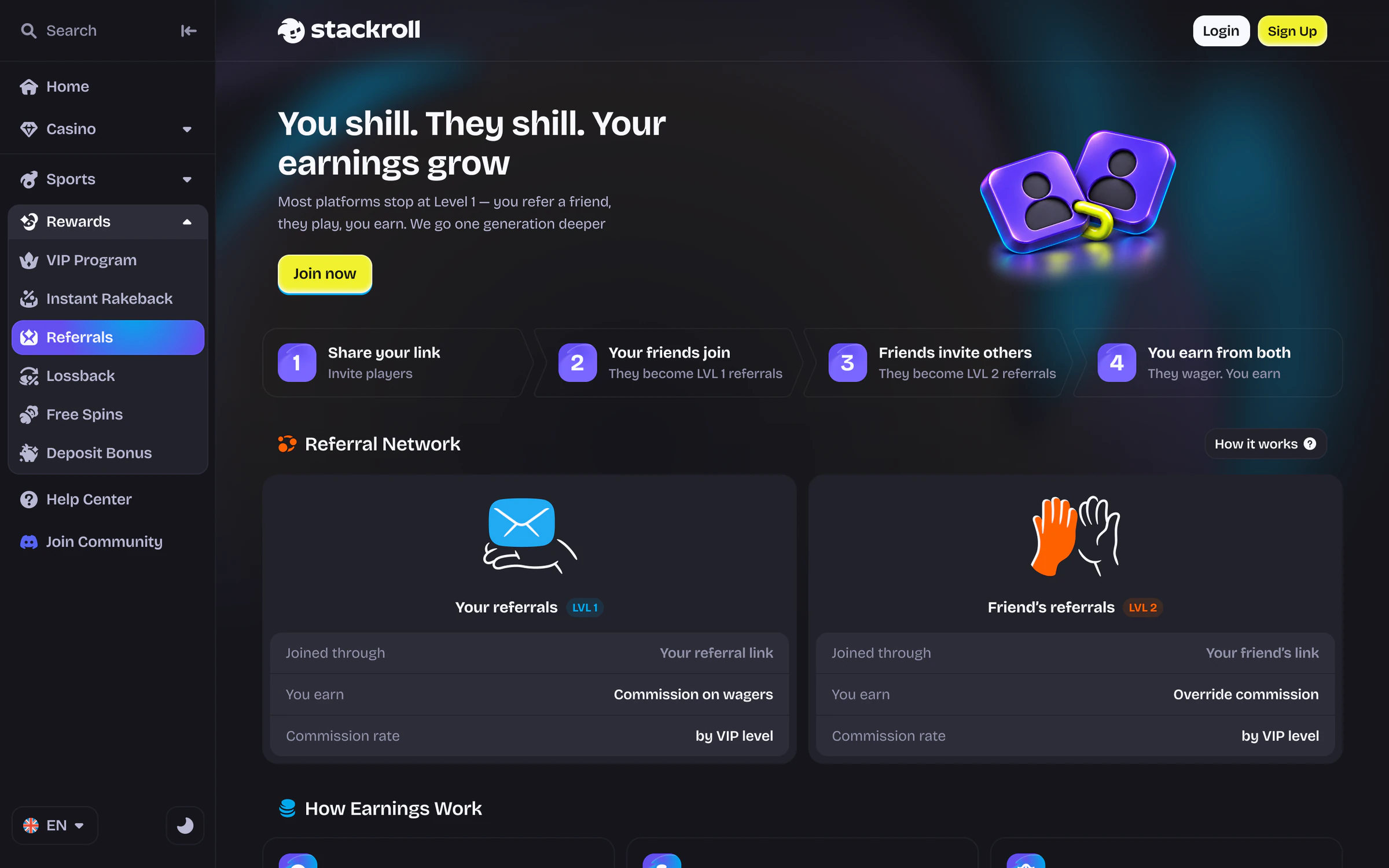
1 · The public page explains to everyone how referrals work
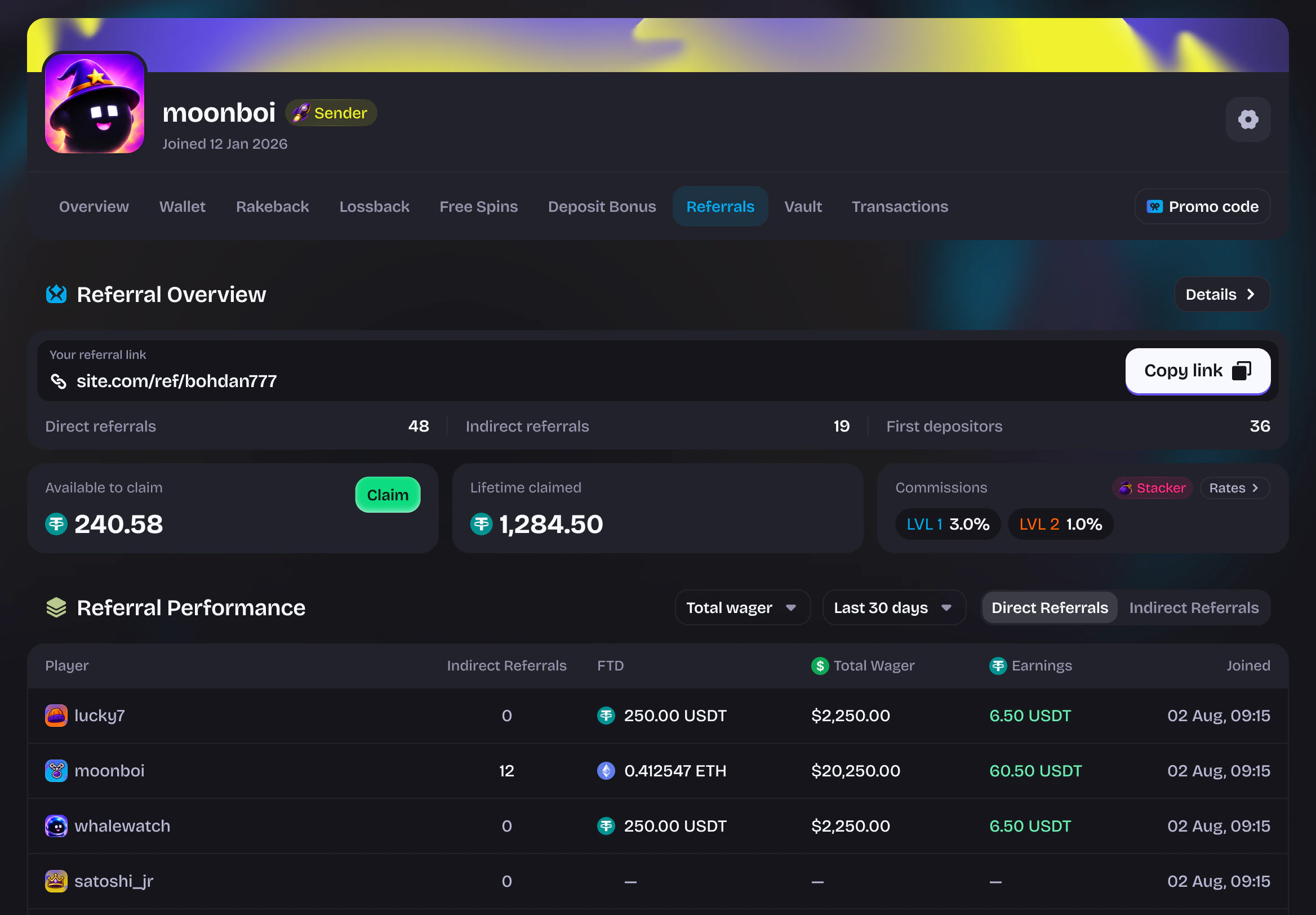
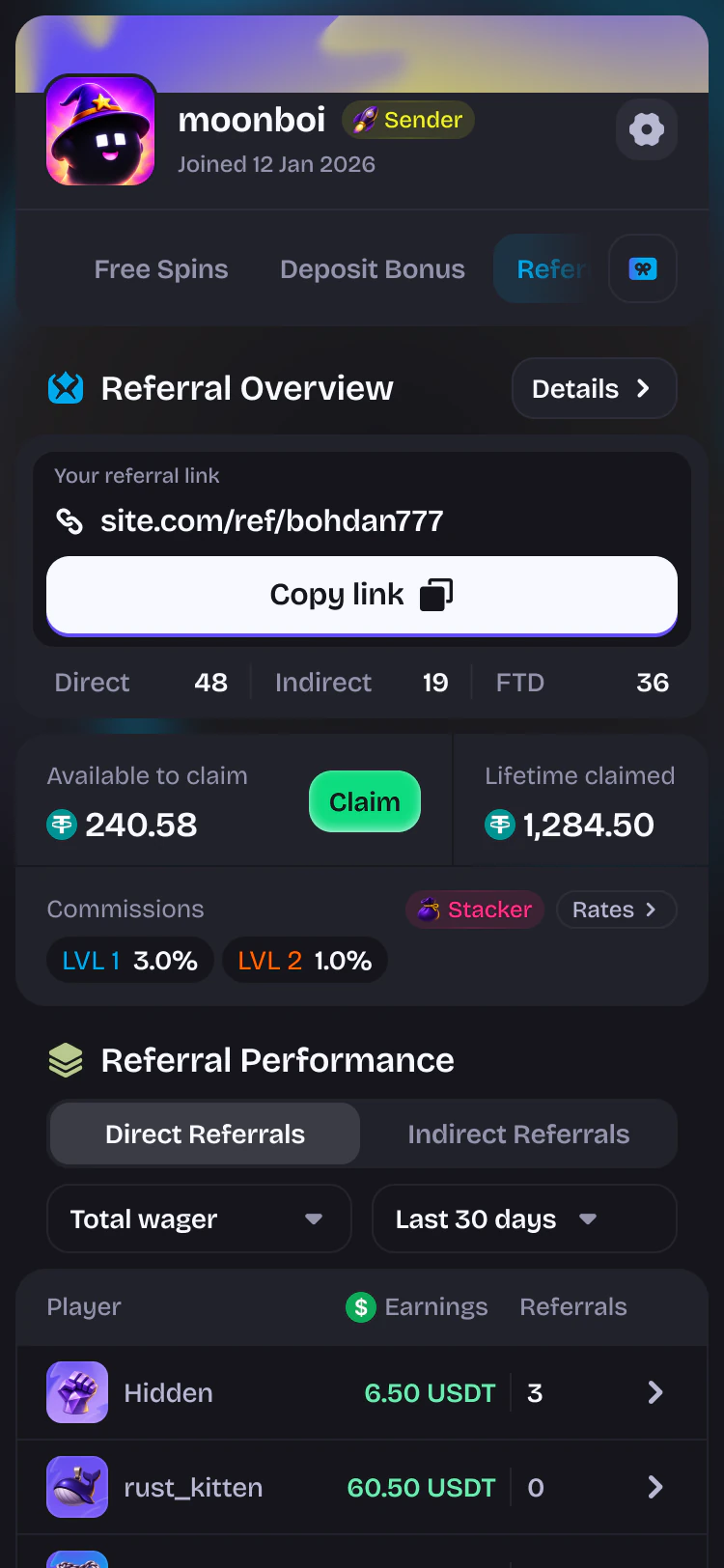
2 · The Account shows your own referrals and what to claim
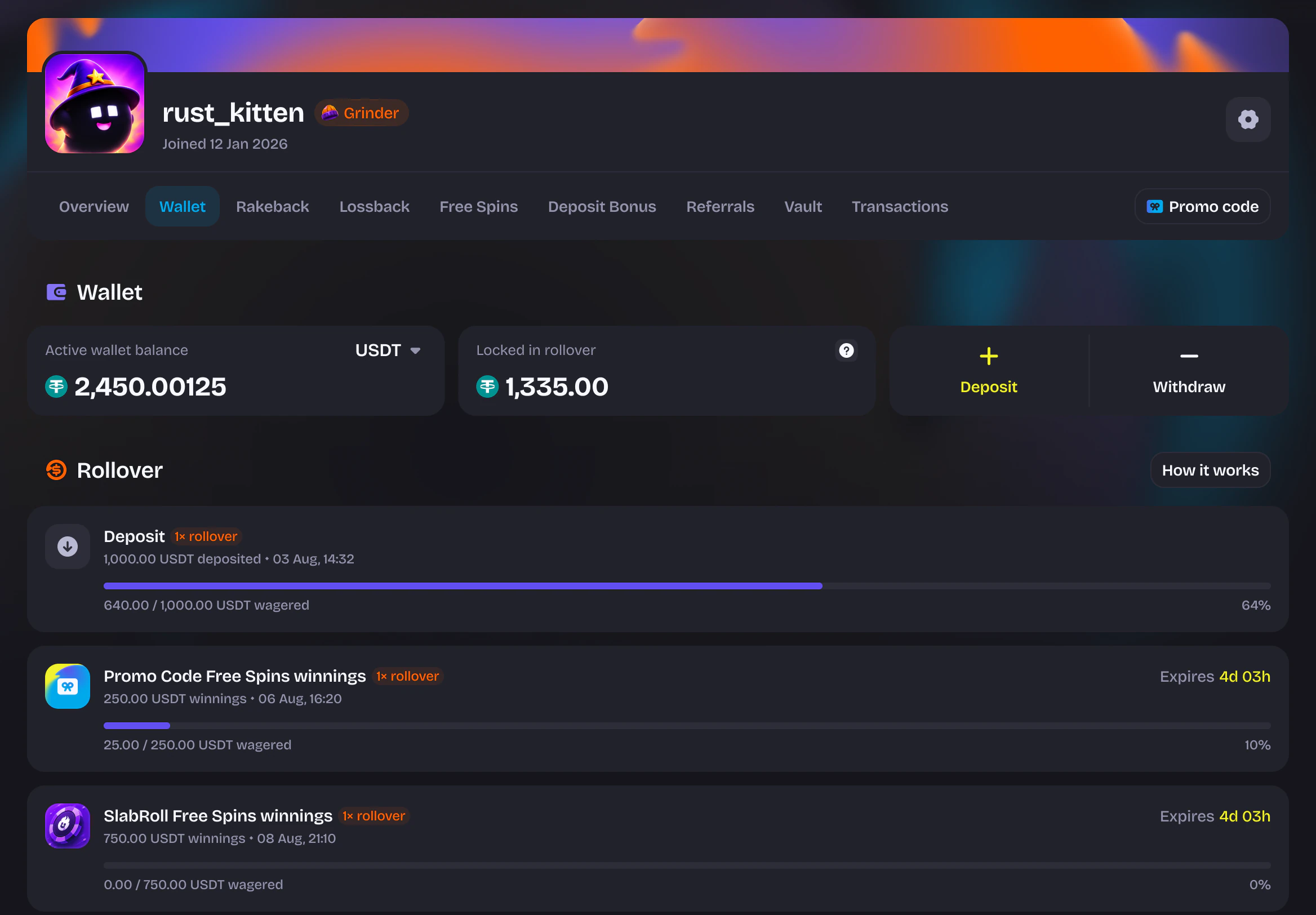
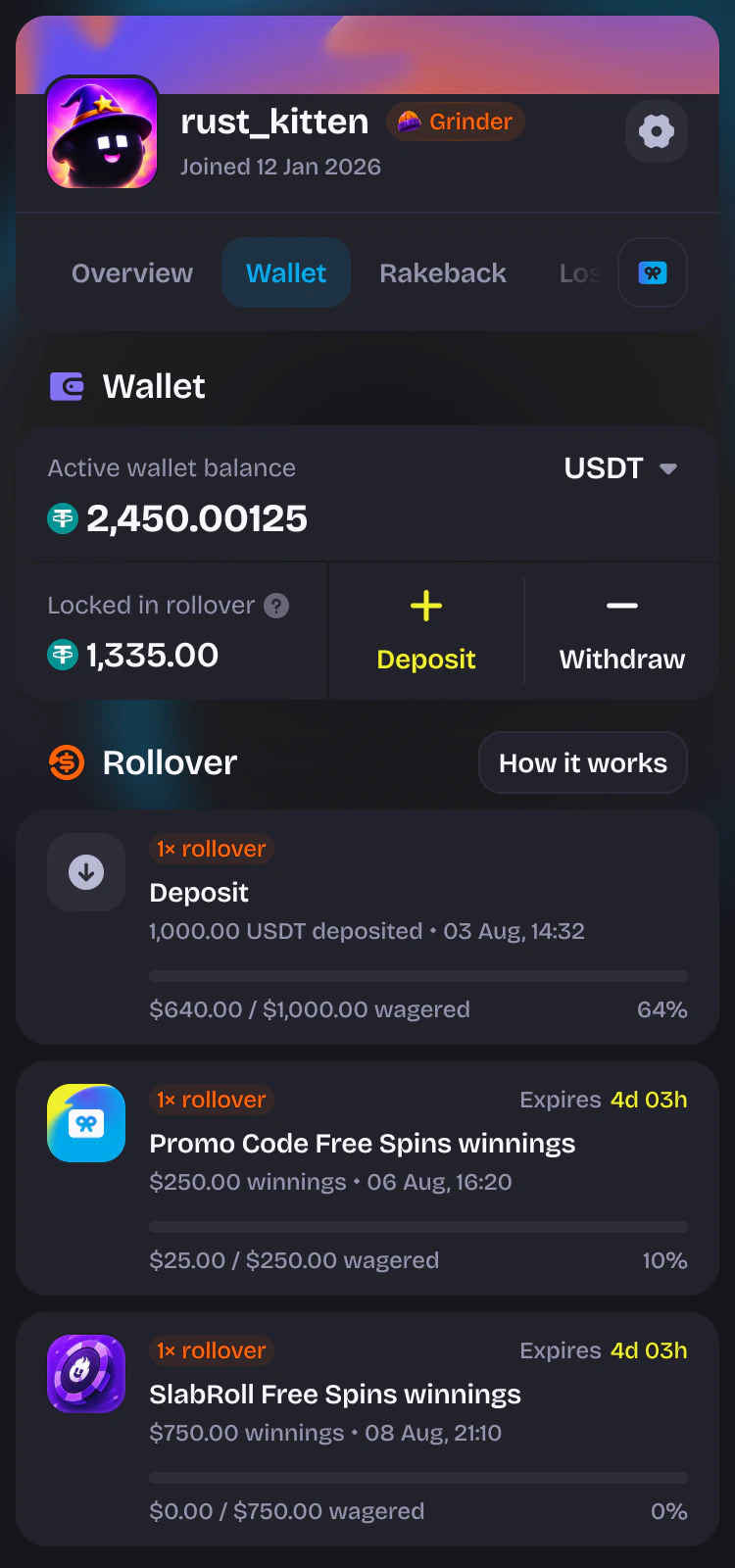
3 · The Wallet shows the result: the claimed reward lands in USDT
Lossback
Challenge
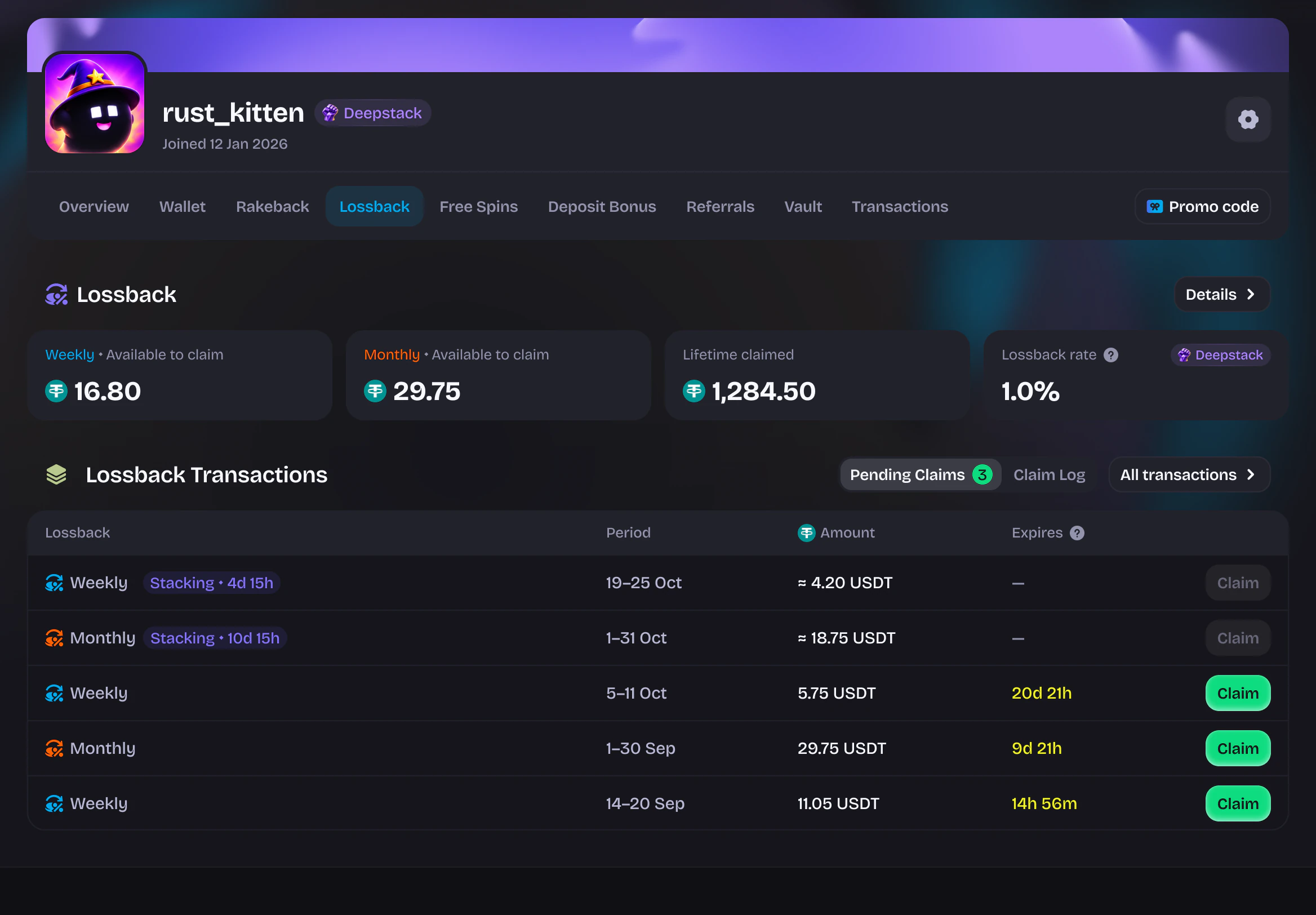
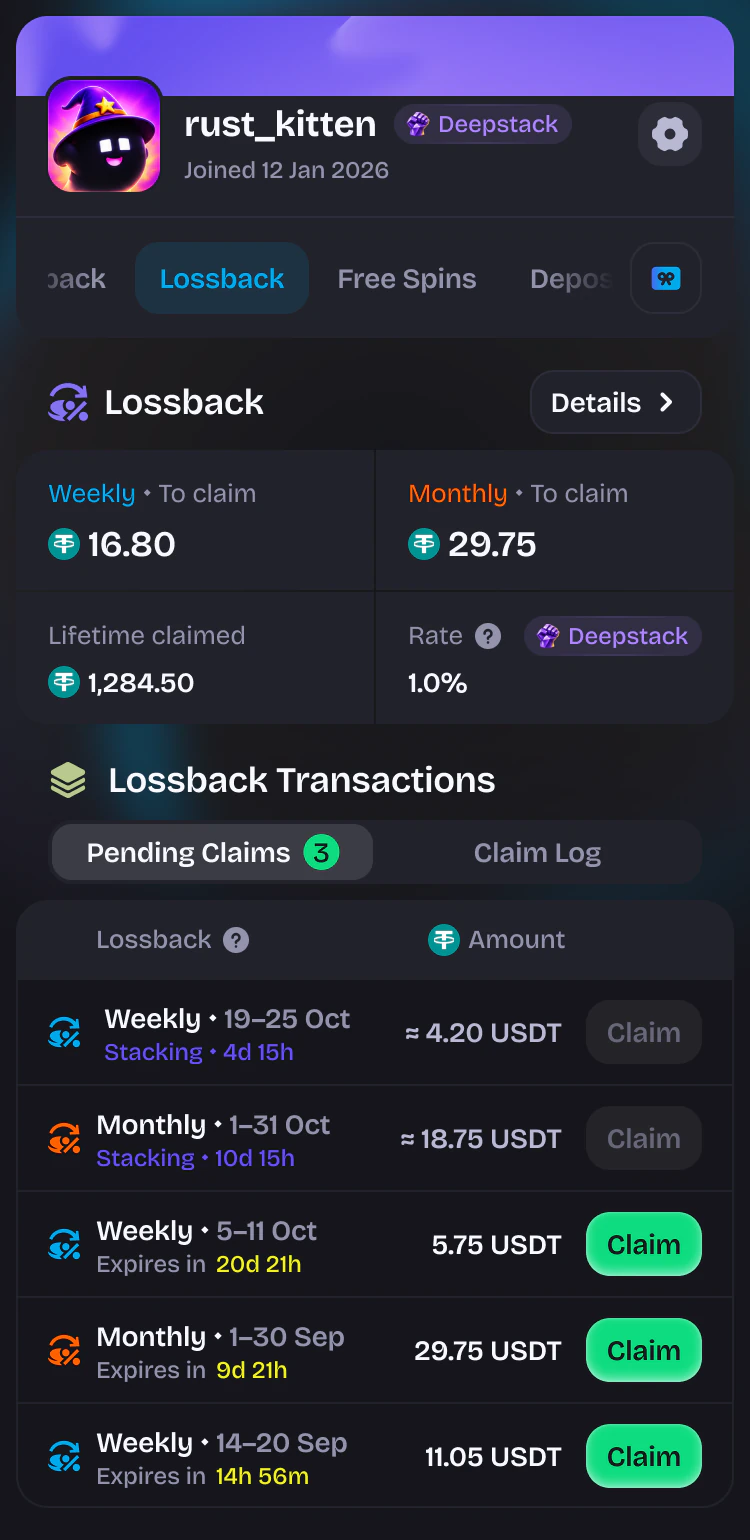
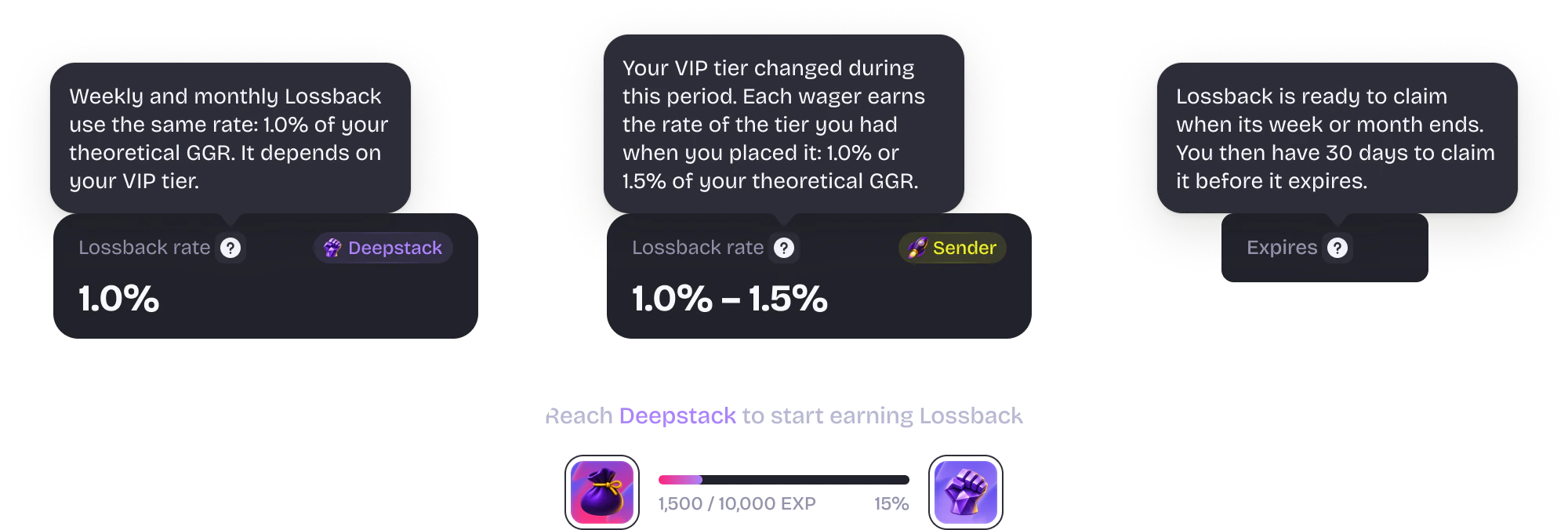
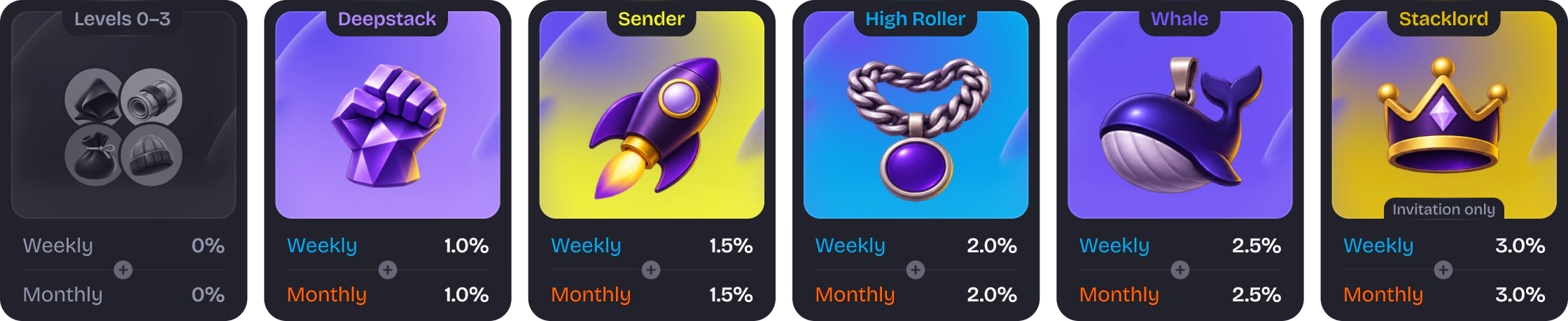
Lossback returns a share of a player’s expected losses, weekly and monthly. The share depends on their VIP level at the moment of each bet, so a level-up mid-week gives that week 2 rates, and a single number looks wrong. Players below level 4 (Deepstack) get no Lossback, so their page would be empty.
Decision
Show the rate as a range and split each payout by level, so the numbers add up. Below level 4, show progress to the level where Lossback starts.
The rate as a range
Split by tier
Collecting, then claim
A goal, not an empty page
Deposit Bonus
Challenge
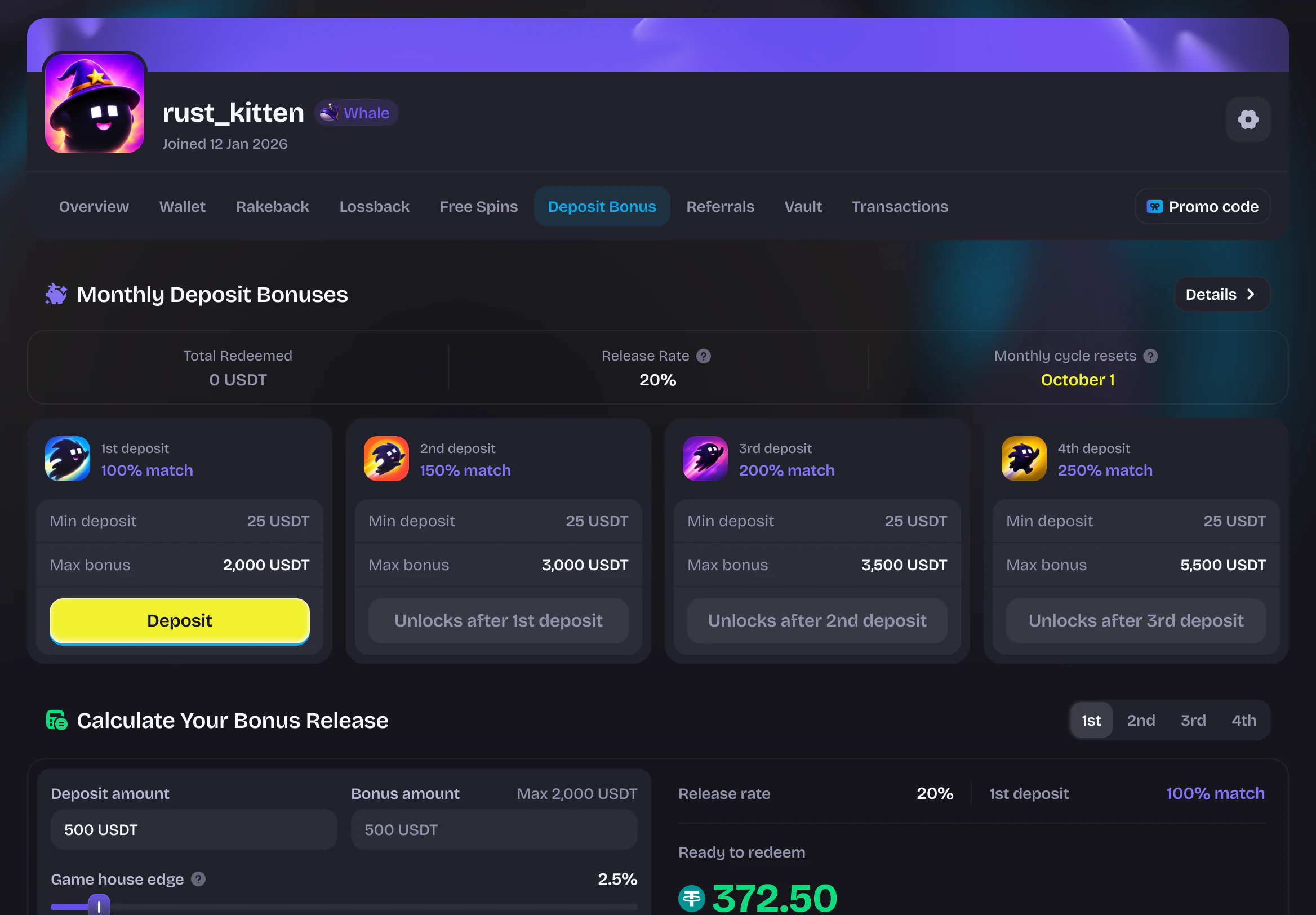
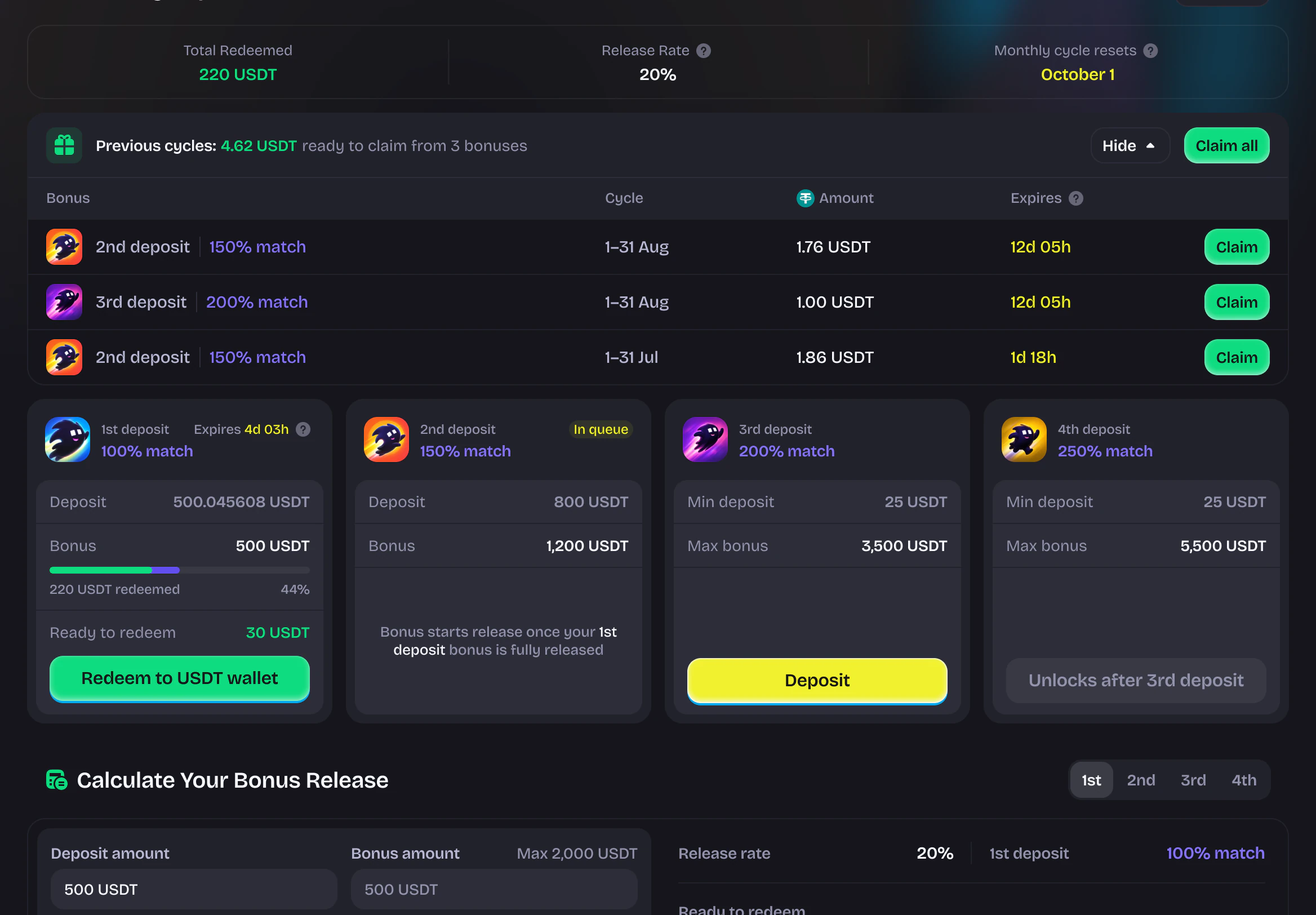
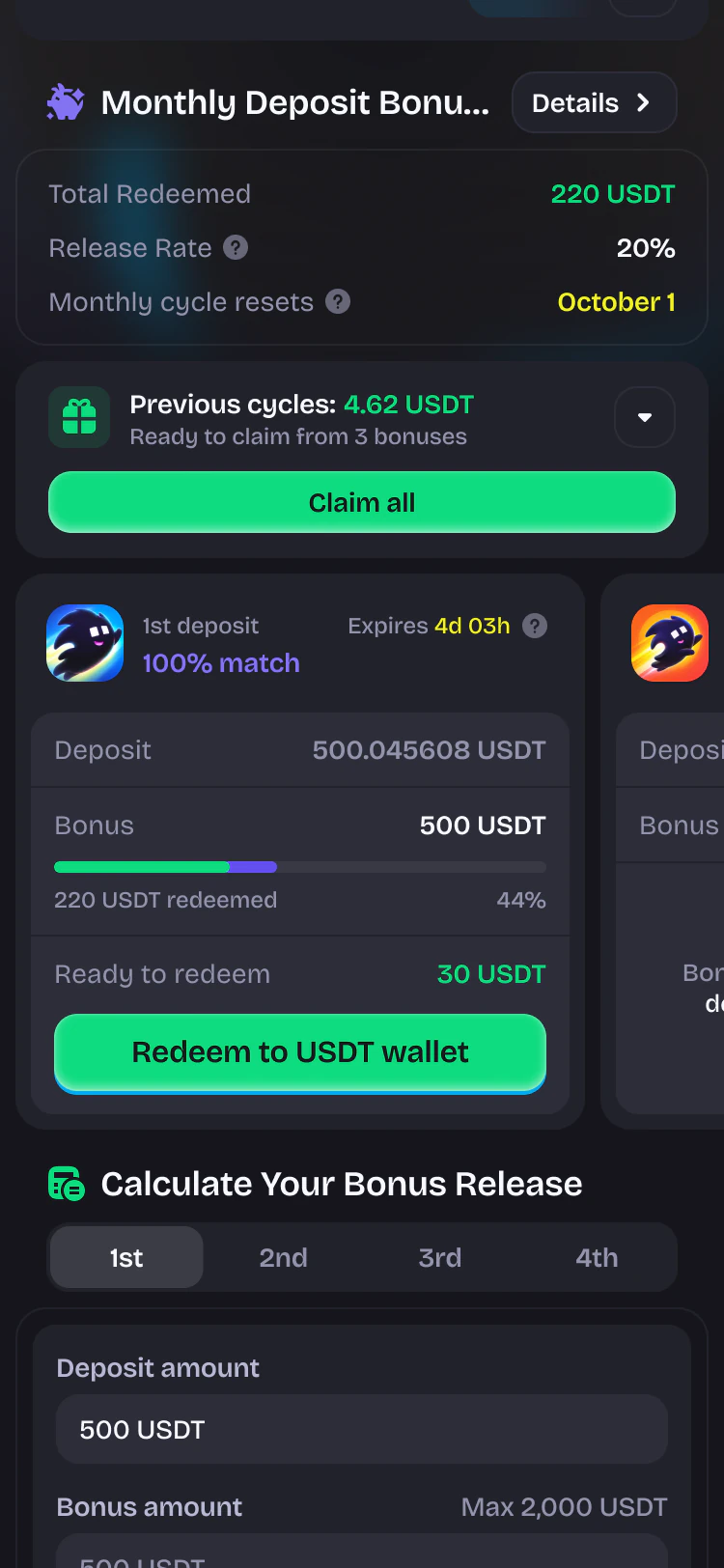
Deposit Bonus is a chain: bonuses unlock one after another, and the cycle resets every month. Midway through, the developers added a rule so a reset doesn’t burn money the player almost unlocked: bonuses from past cycles stay claimable for a while. The page now had to show 2 timelines at once without mixing them up.
Decision
The current cycle leads: the active bonus, its progress and the next step. Past cycles sit below as one line with the total and Claim all, because most players just want the money. Expanded, each cycle shows what’s left and its own expiry, for players who want to check first.
Referrals
Challenge
Referrals work on 2 levels: people the player invited, and people they invited. Midway through, the client said more levels could come later.
Decision
The first version was a tree: each referral opened into their own referrals, and on mobile into a modal. It worked for 2 levels, but a third would mean a list inside a list, and most second-level players showed as Hidden anyway. The final version keeps direct referrals as people with their own stats, since the user knows them. Deeper levels become one summary per level: player count, rate and earnings. A new level is one more summary, and the layout stays the same.
First version: tree
Final: levels
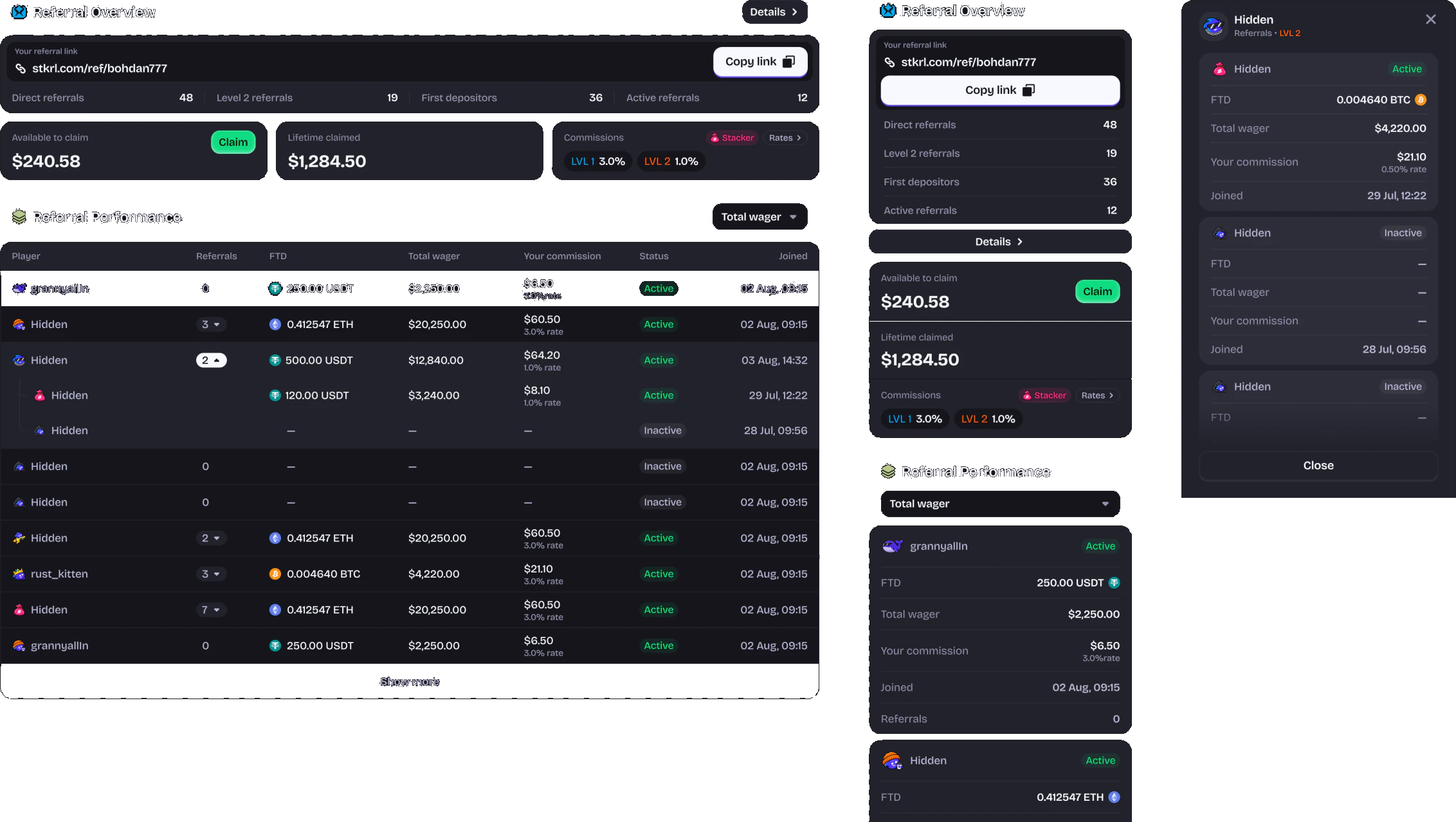
First version: a tree that showed everyone.
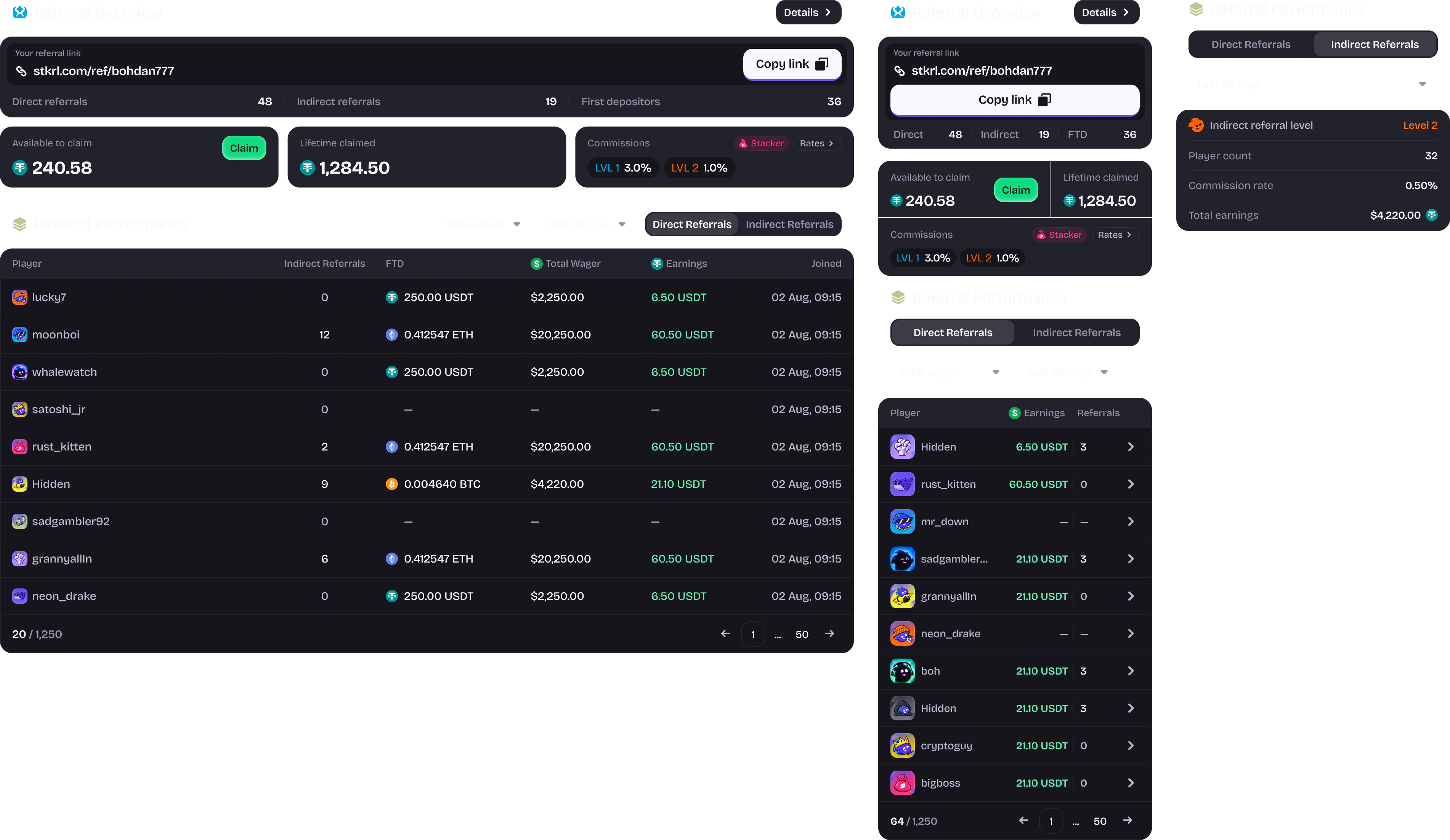
Final: direct referrals as people, deeper levels as totals, agreed with the developers.
Wallet
Challenge
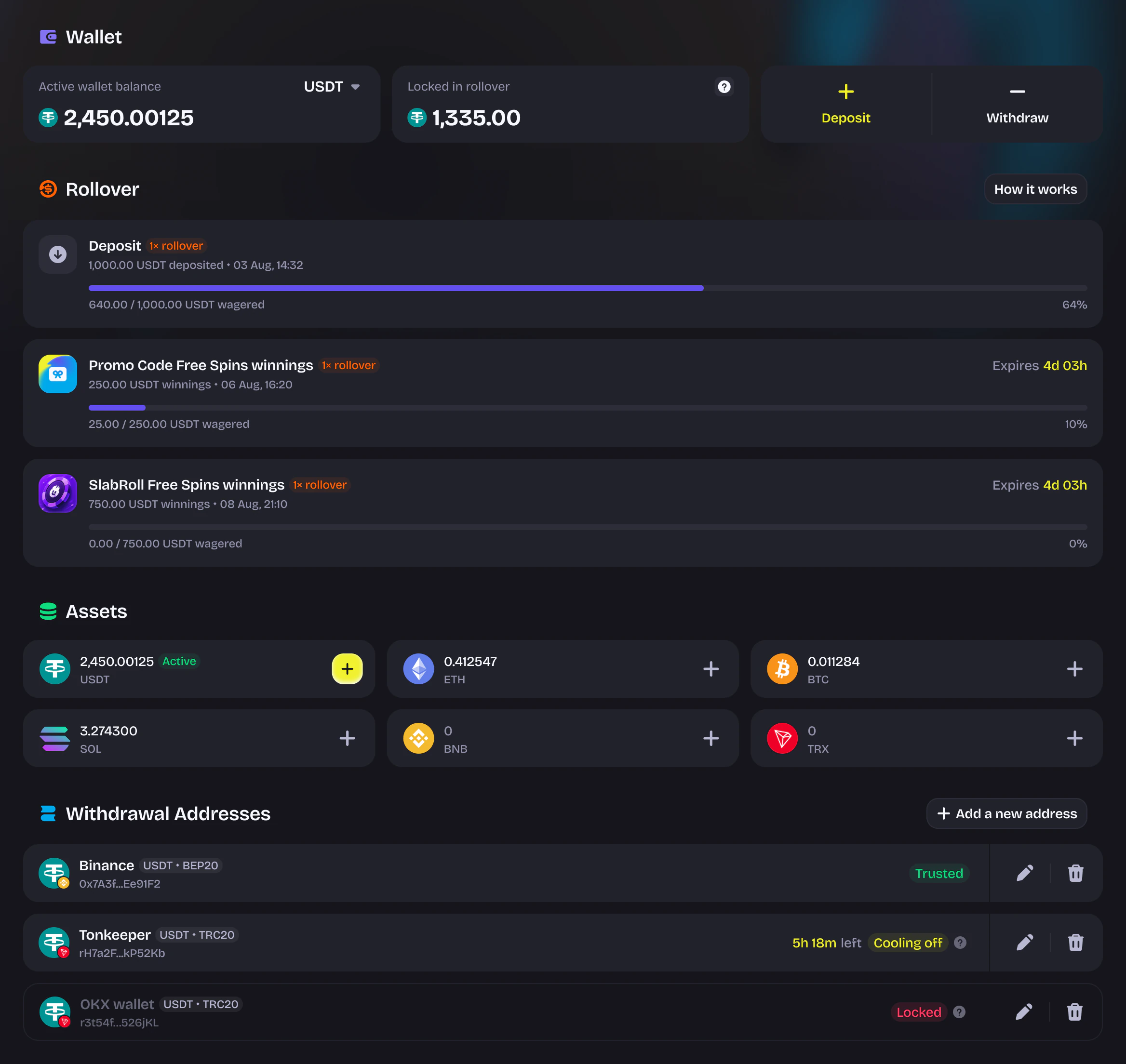
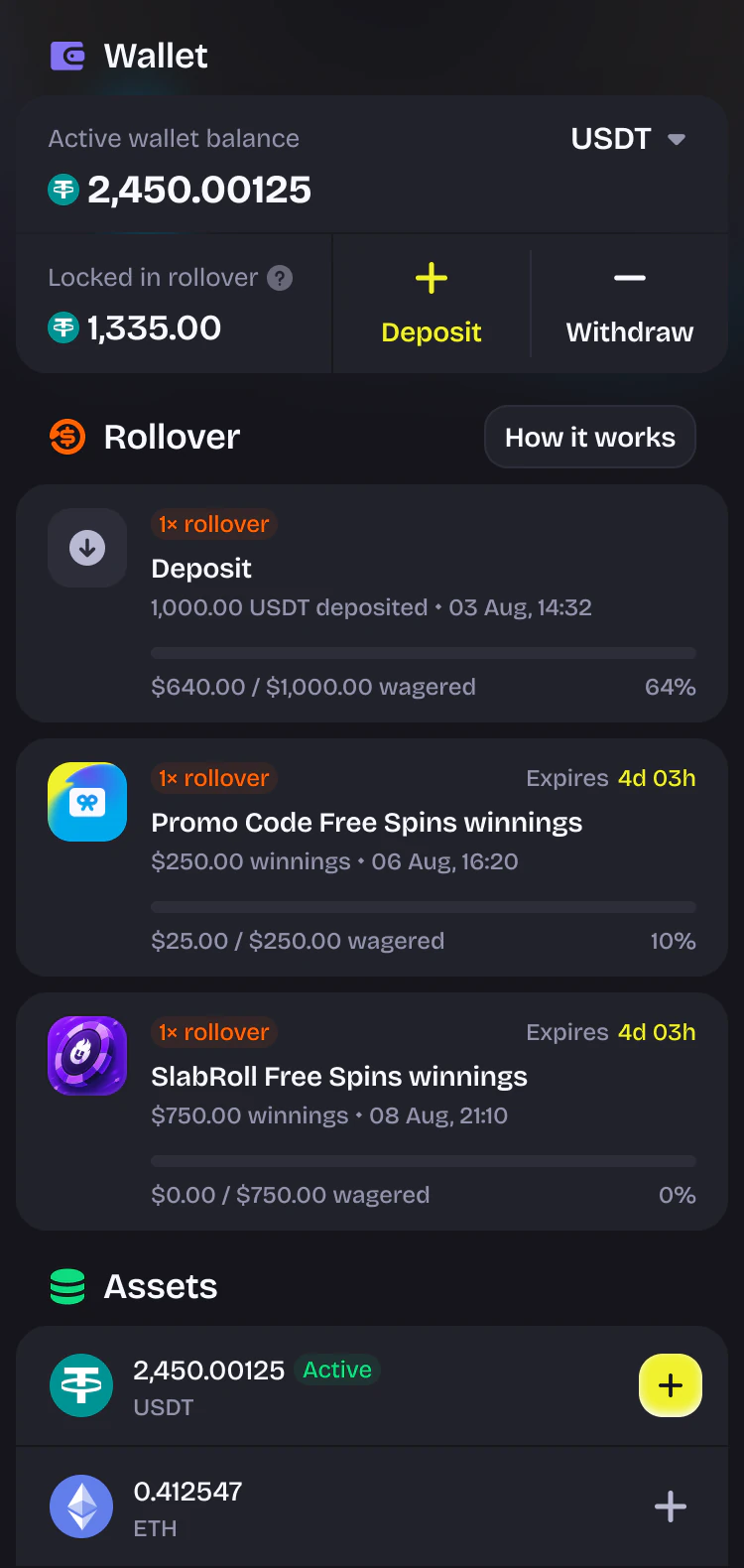
One balance can hold money from several places: a deposit that has to be wagered once, Free Spins winnings with their own rollover and expiry, and each currency counts separately. As one number, it lets a player try to withdraw and get stopped without knowing why.
Decision
I split the balance into what can be withdrawn and what is locked, and broke the locked part down by source, each line with what’s left to wager and when it expires. The currency switch changes the whole list, since each currency has its own rollover, and “How it works” walks through a real example in USD.
Two numbers
Split by source
Tied to the currency
Bet Details and Provably Fair
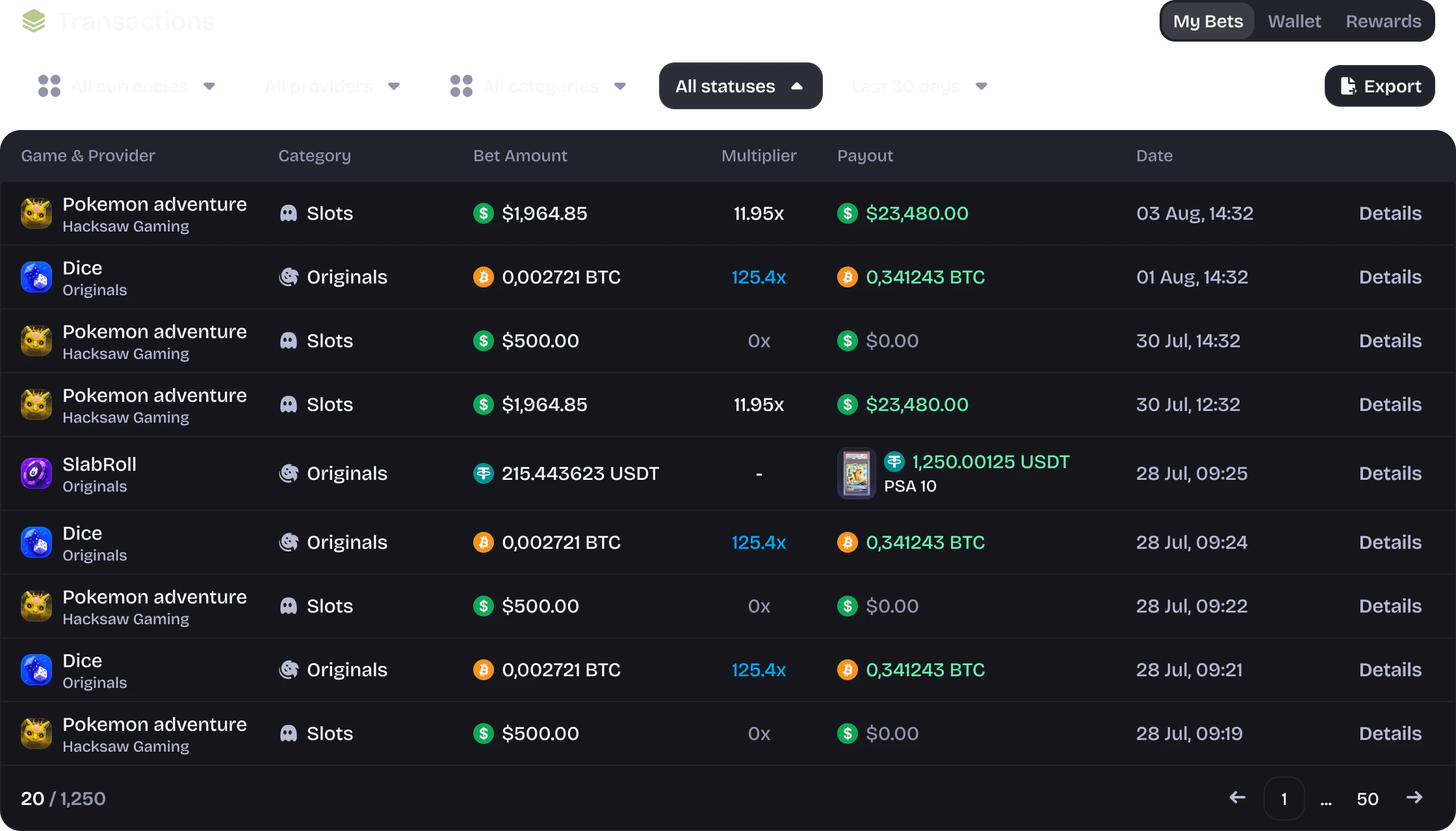
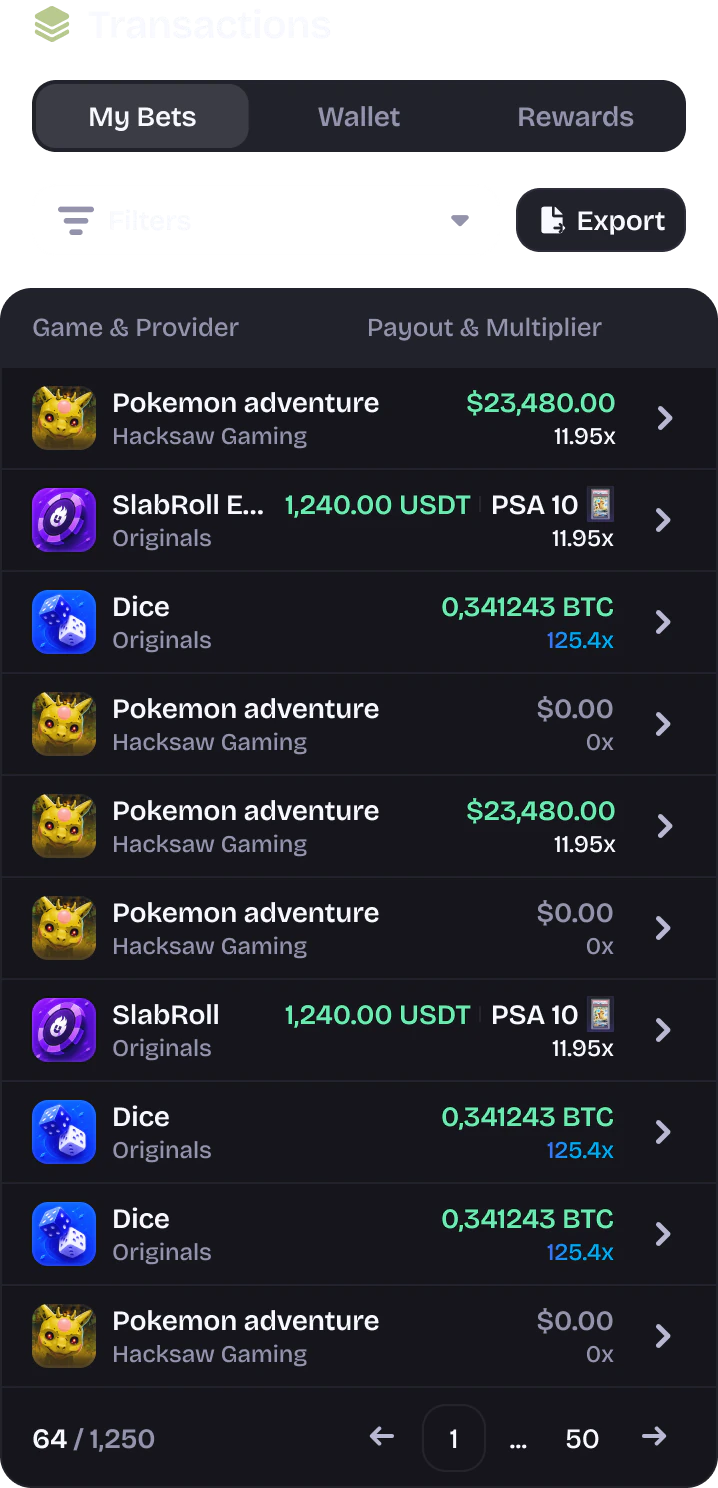
Bet details adapt to each game, a Blackjack hand, a Rollout roll, a Dropzone row, so a player recognises the round at a glance. Every Stackroll Original can be verified with Provably Fair, so a player can check after the fact that no outcome was touched.
Money and Games
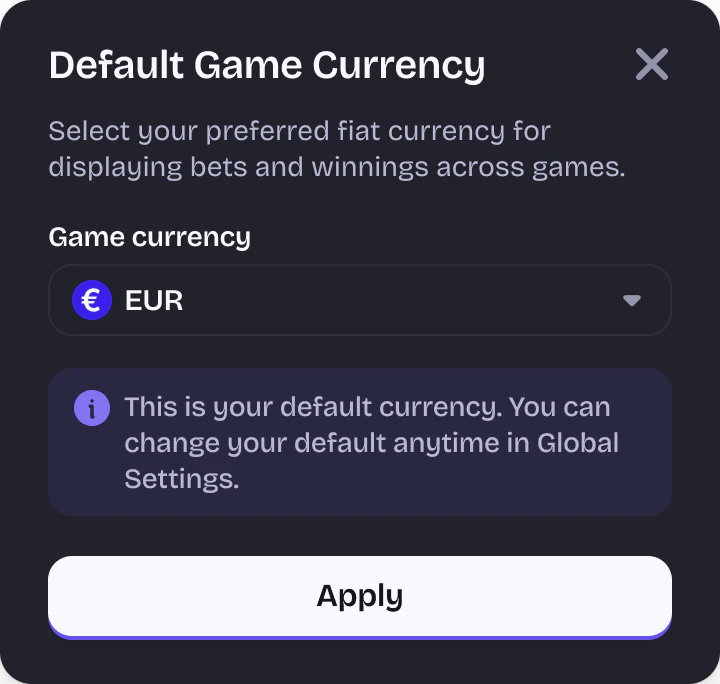
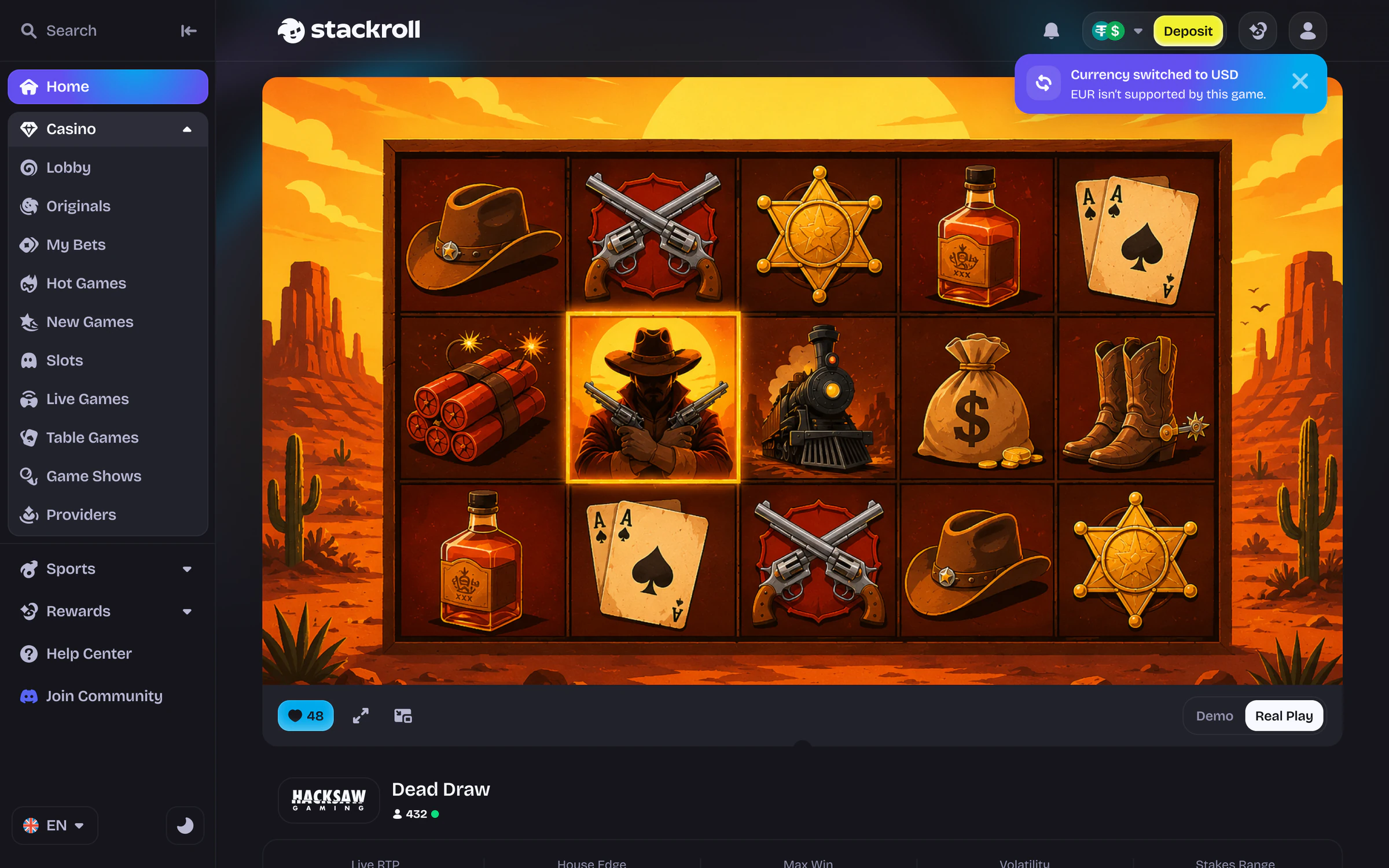
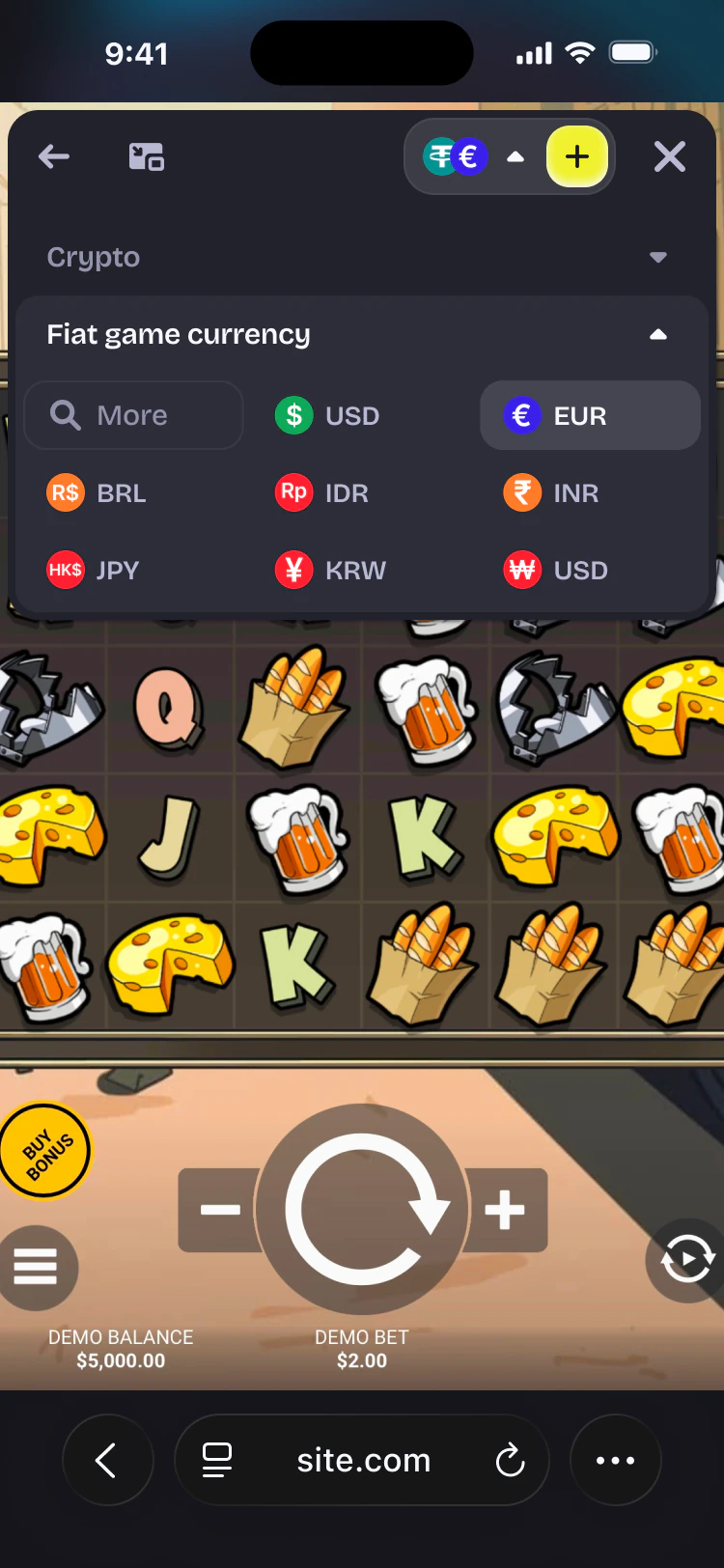
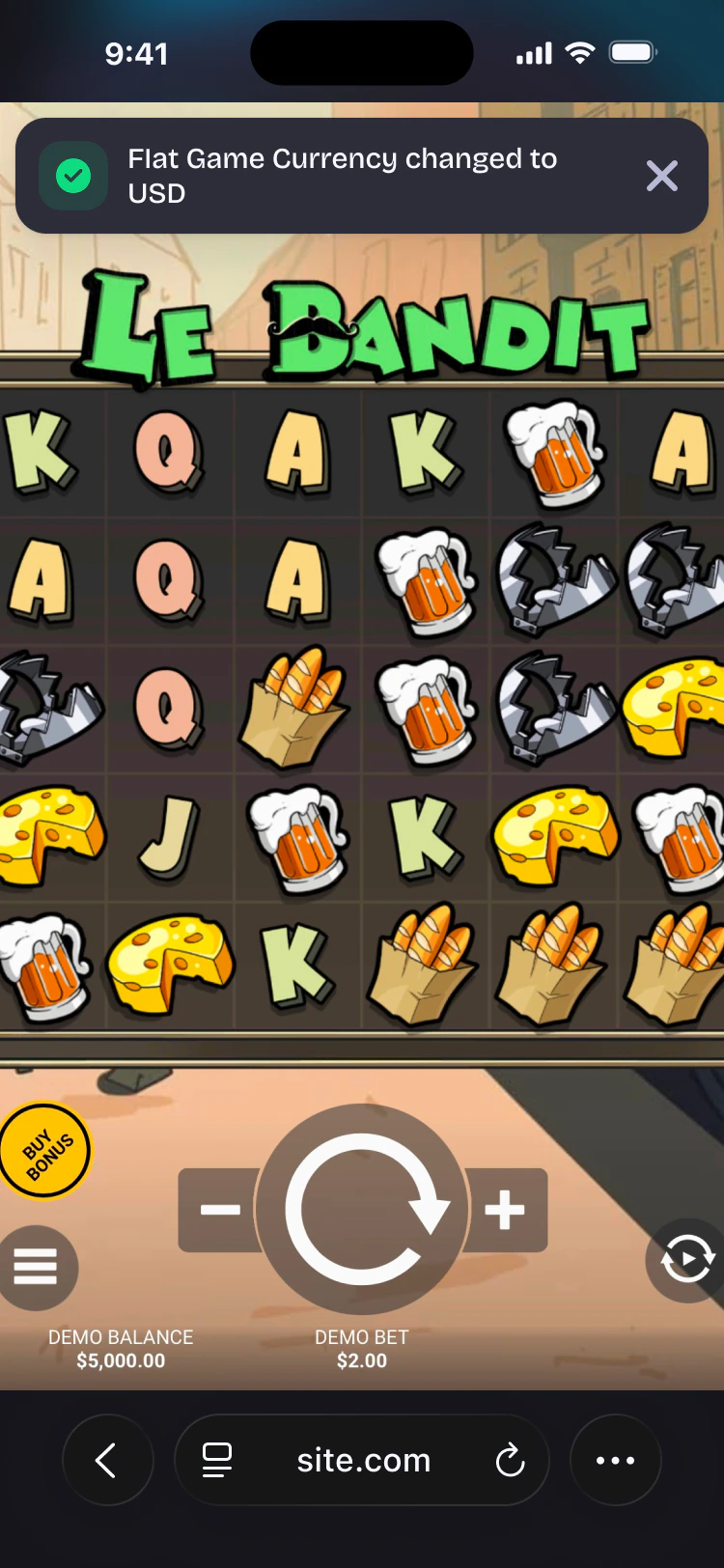
A crypto balance can’t be converted to fiat in real time, but games only run in fiat, so the player has to pick a game currency. Asked too early, the choice means nothing; asked too late, it gets in the way of the game.
I compared asking during onboarding with asking right before the first real game, and chose the second: at that moment the player wants to play and actually reads the step. The choice is saved and isn’t asked again.
During Onboarding
Asked too early, the choice means nothing yet.
Before the First Real Game
The player wants to play and reads the step. The choice is saved as the default.
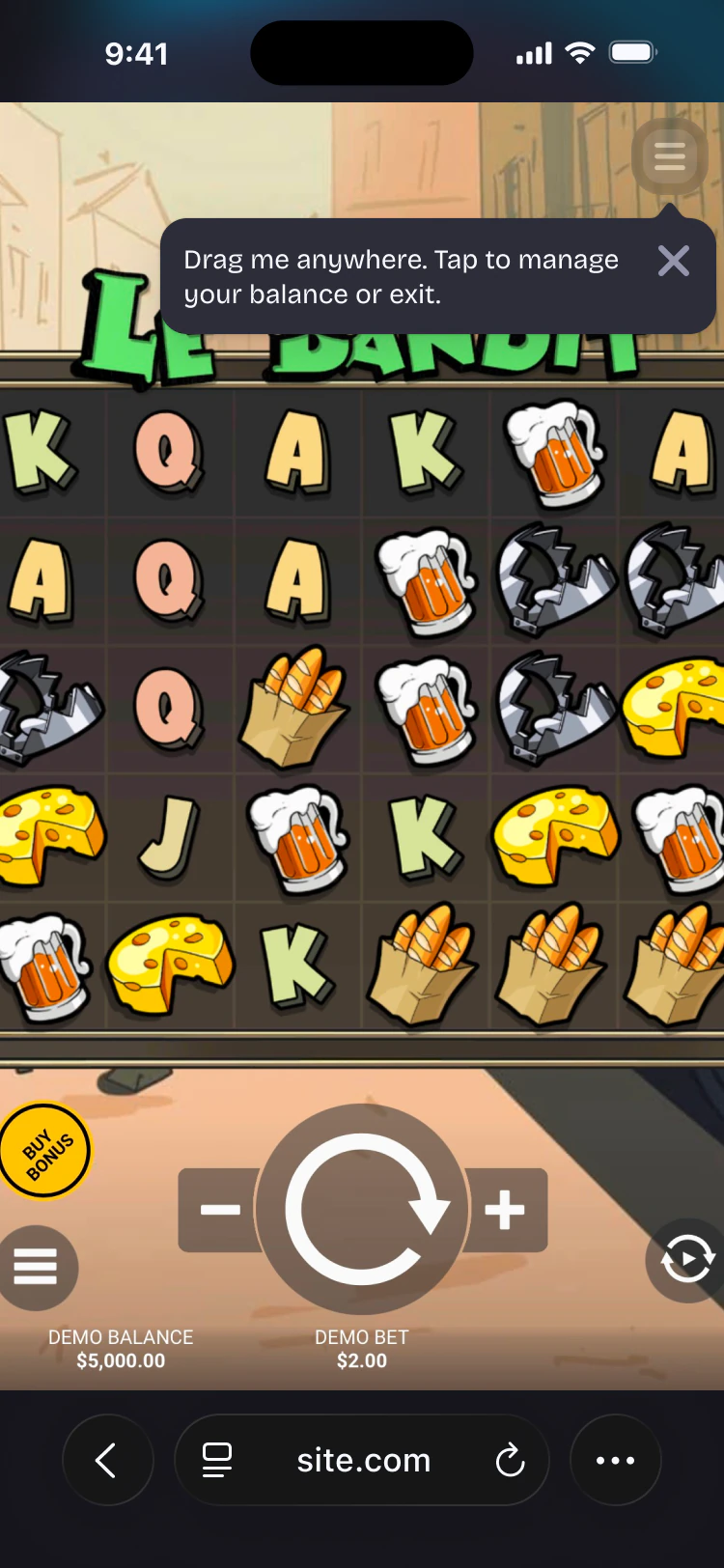
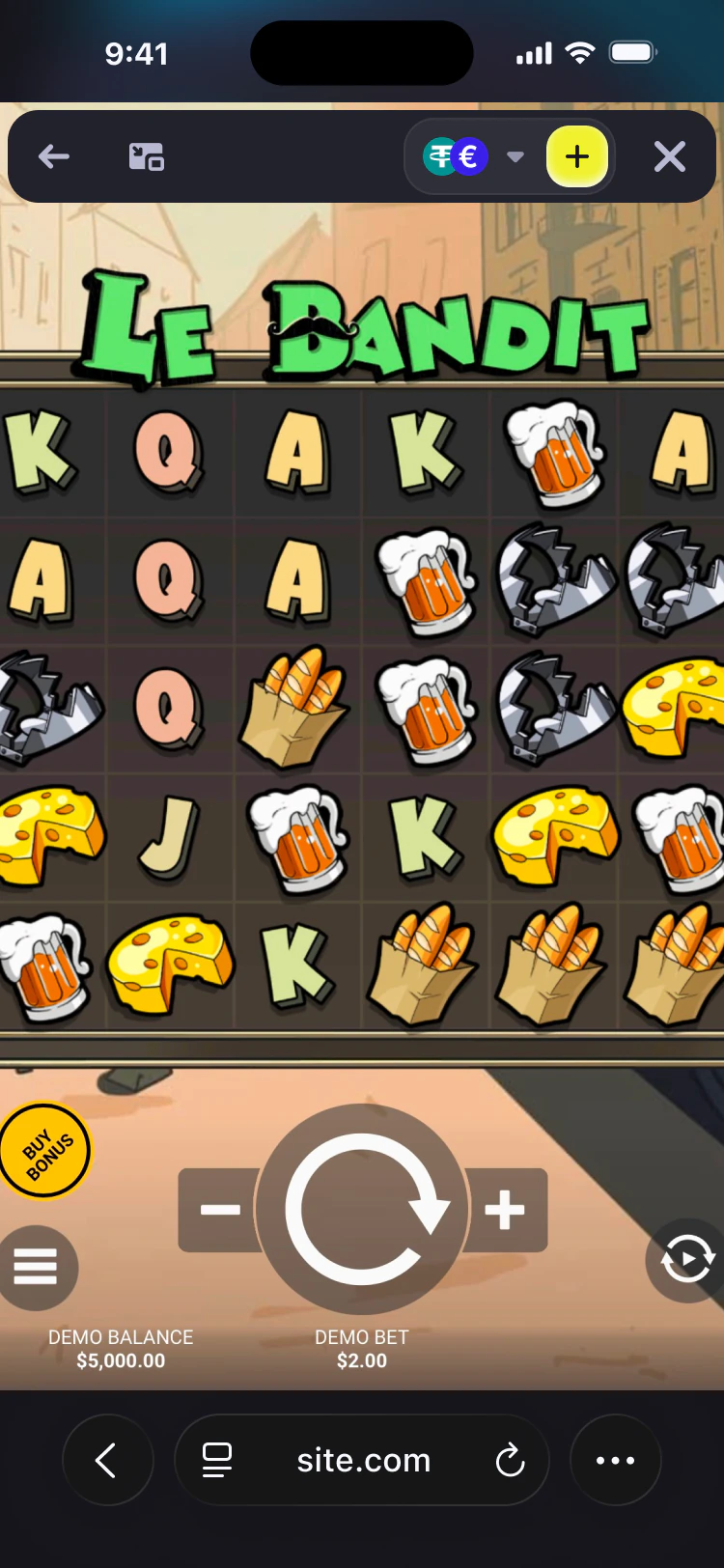
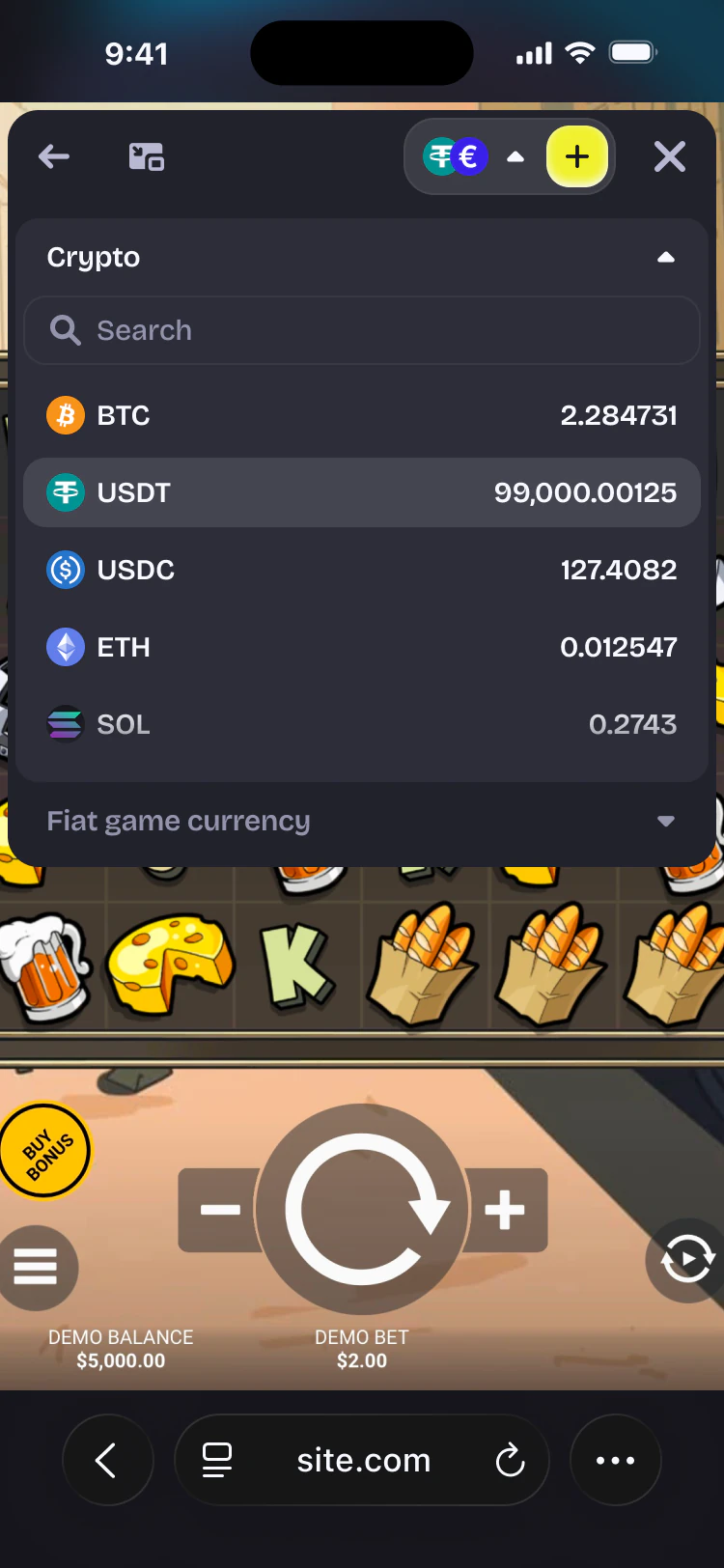
On mobile, the game opens in fullscreen with a small floating button on top. It opens the balance, where a player can switch the crypto wallet or the game’s fiat currency without leaving or reloading the game.
Global Chat
Players can chat while they play. Guests and players below VIP level 3 can only read, and there are slow mode and mutes. Instead of just turning grey, the message field always says why: progress to level 3, time until the next message, or how long a mute lasts.


More Screens
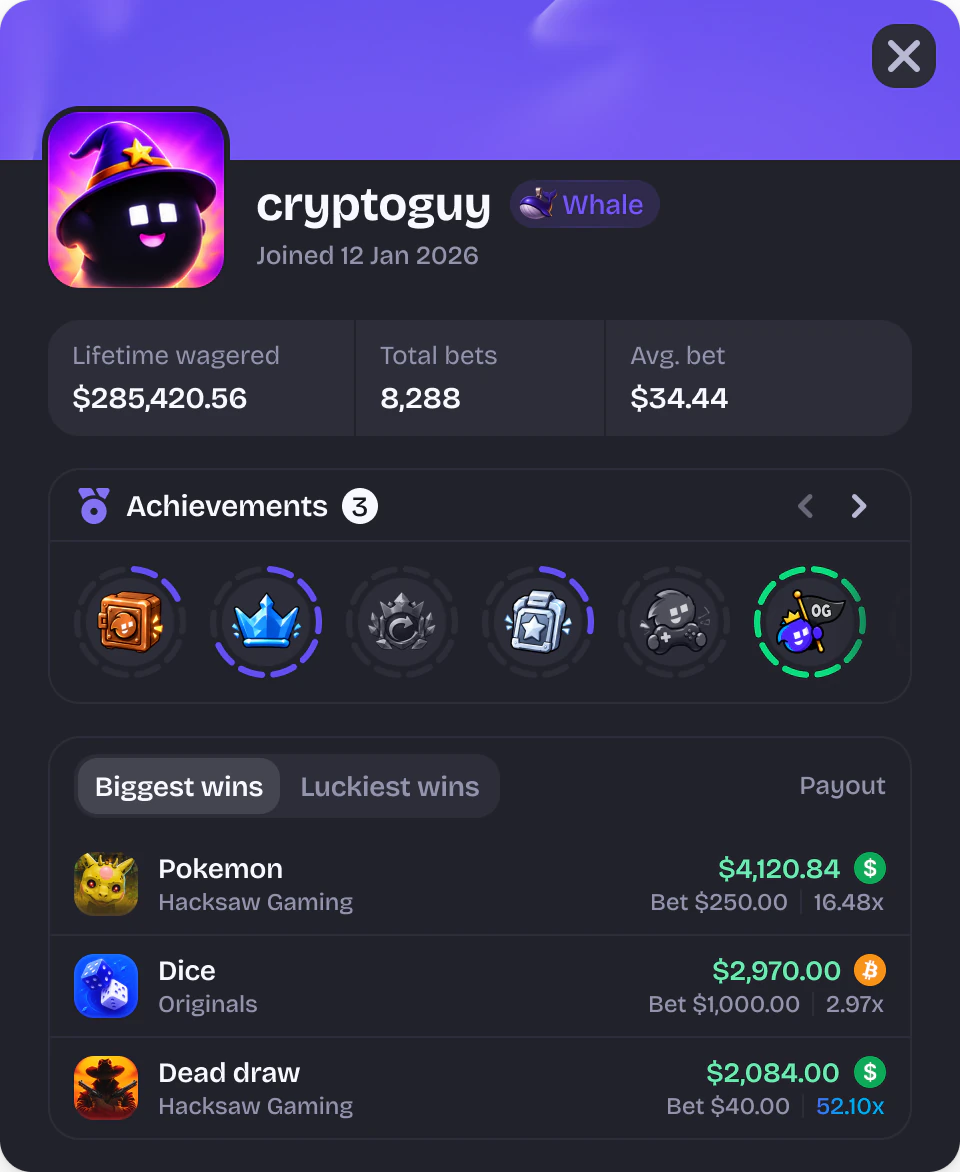
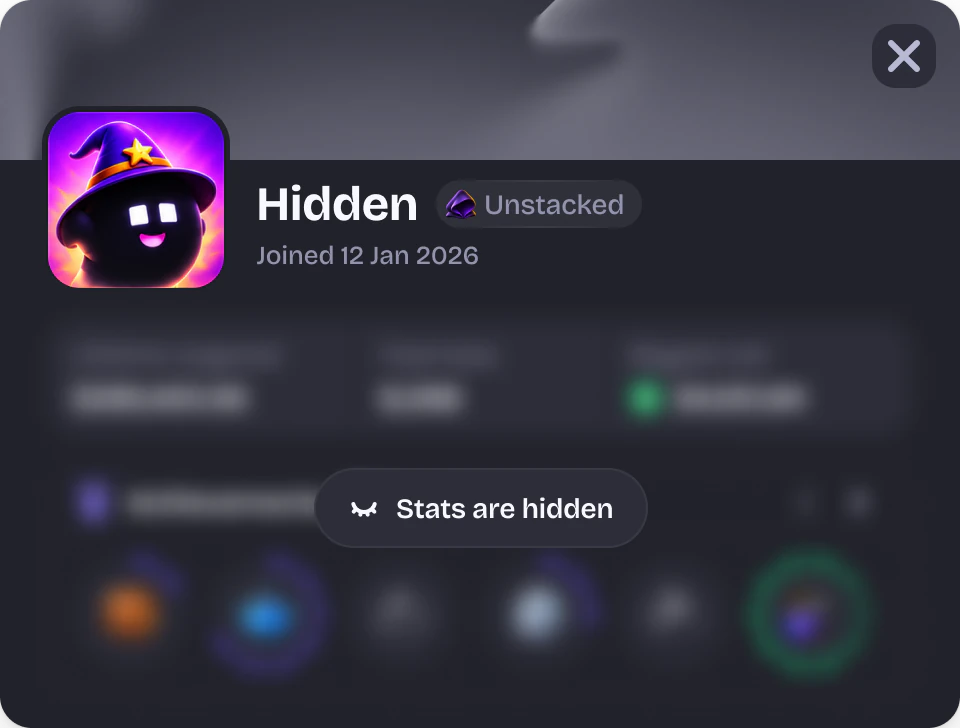
Public profile
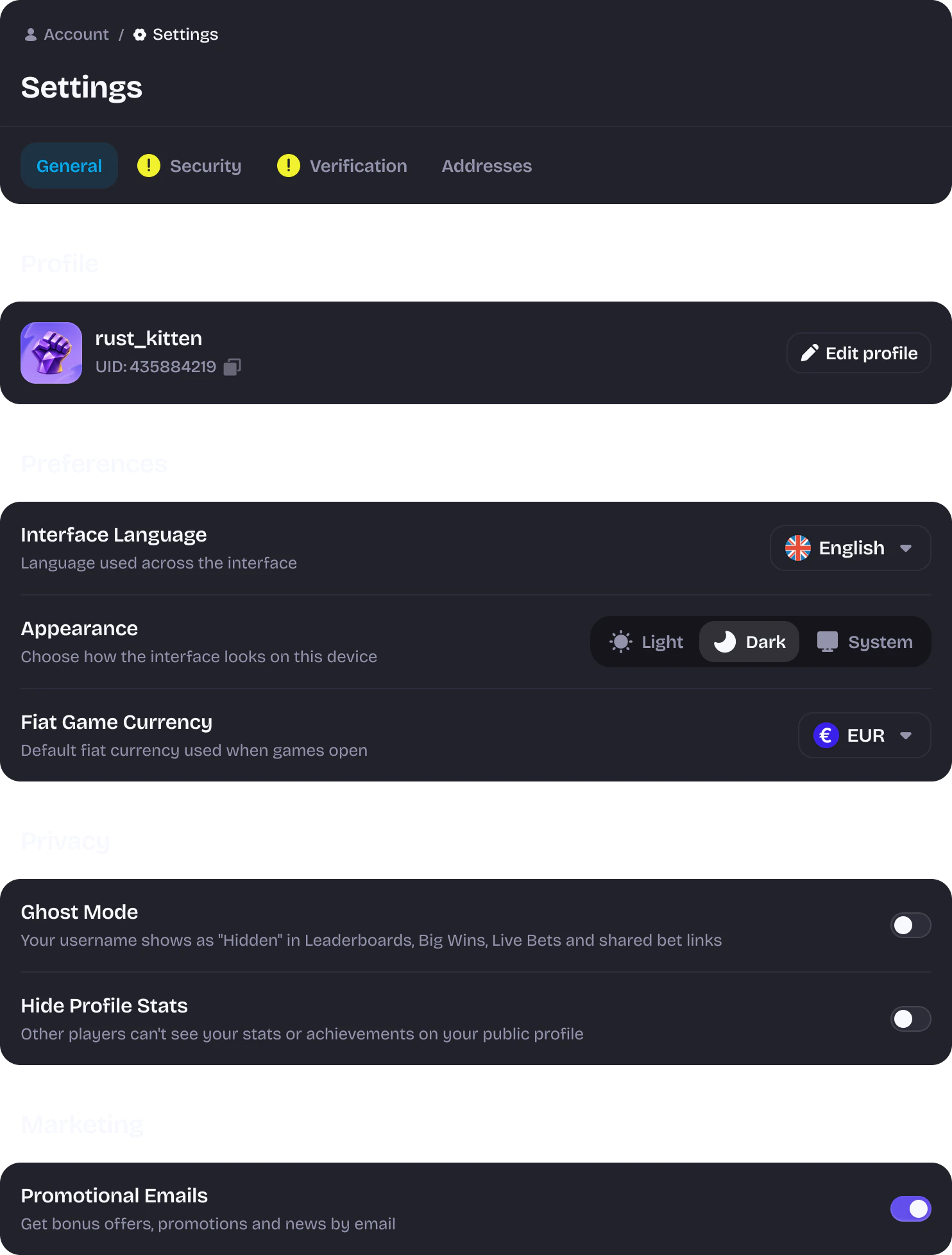
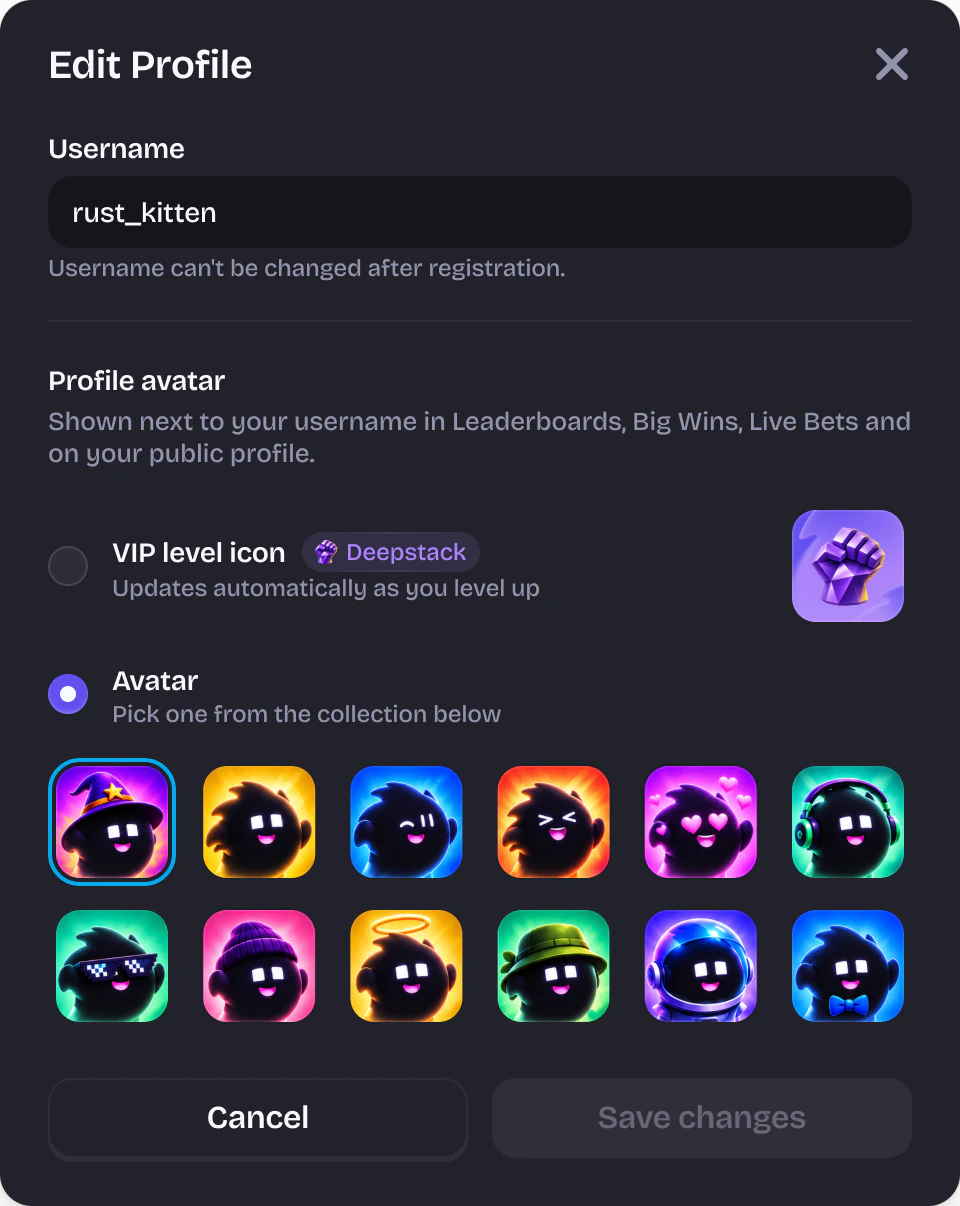
Settings and Edit Profile

Avatar sizes
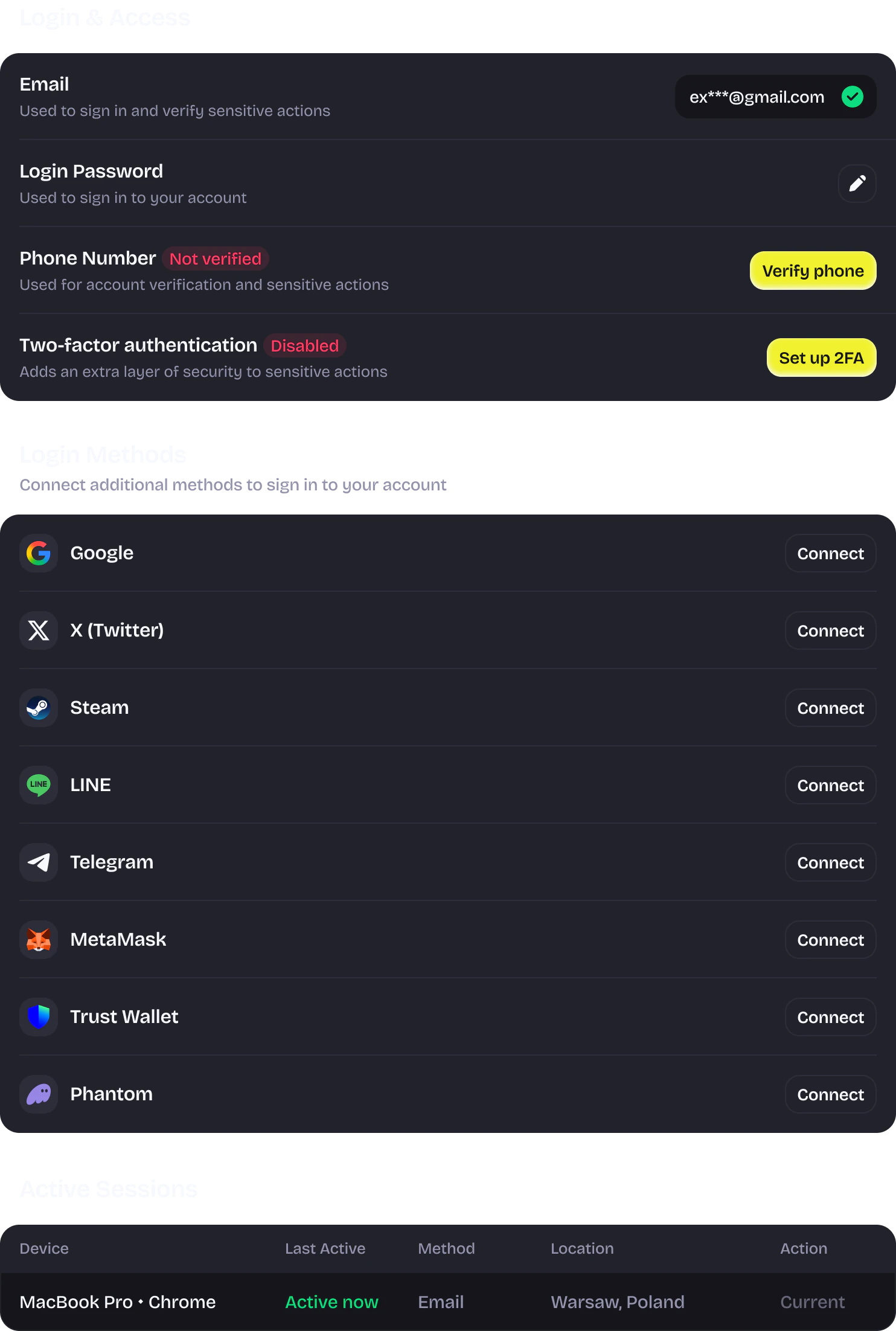
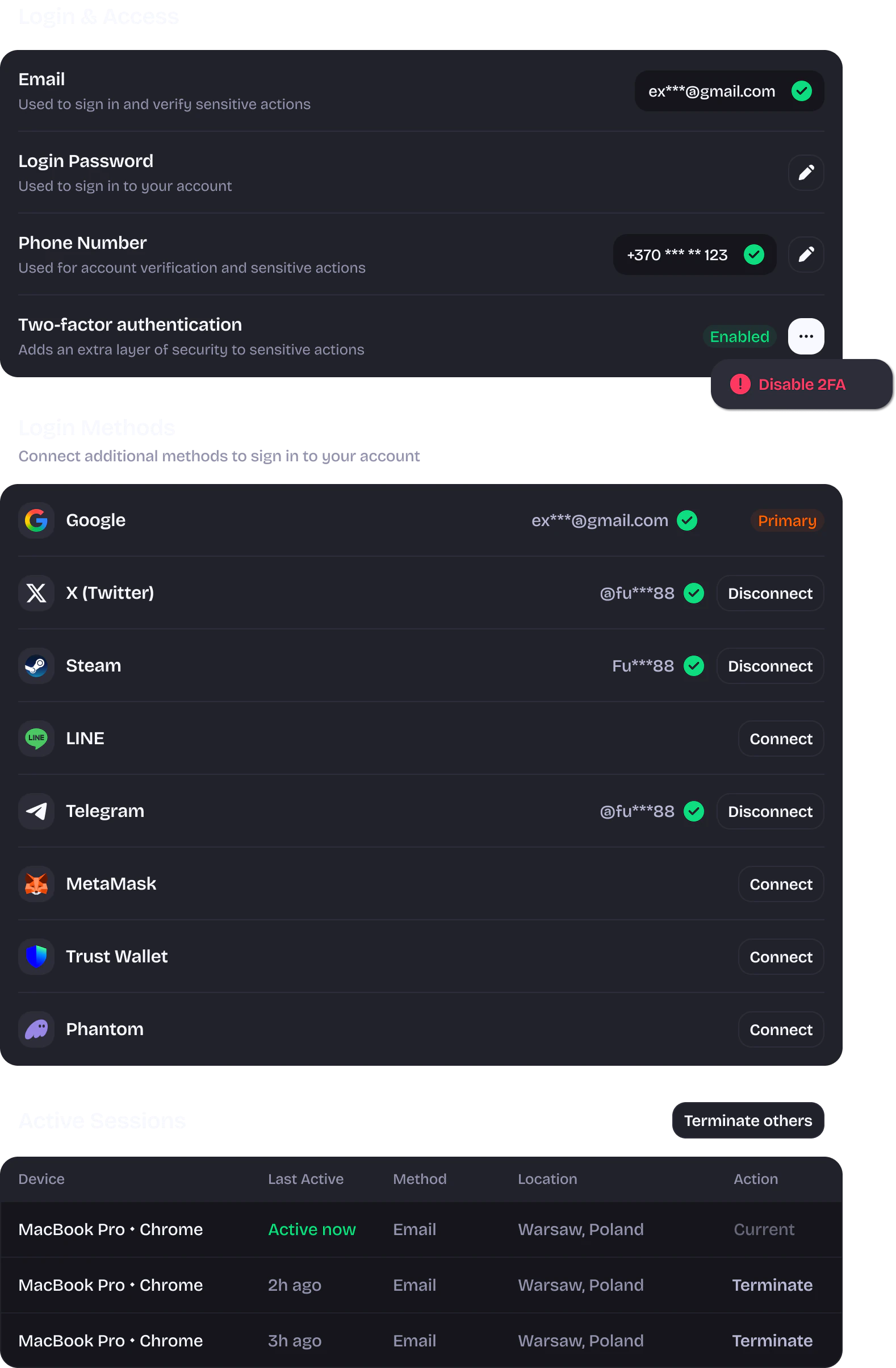
Security
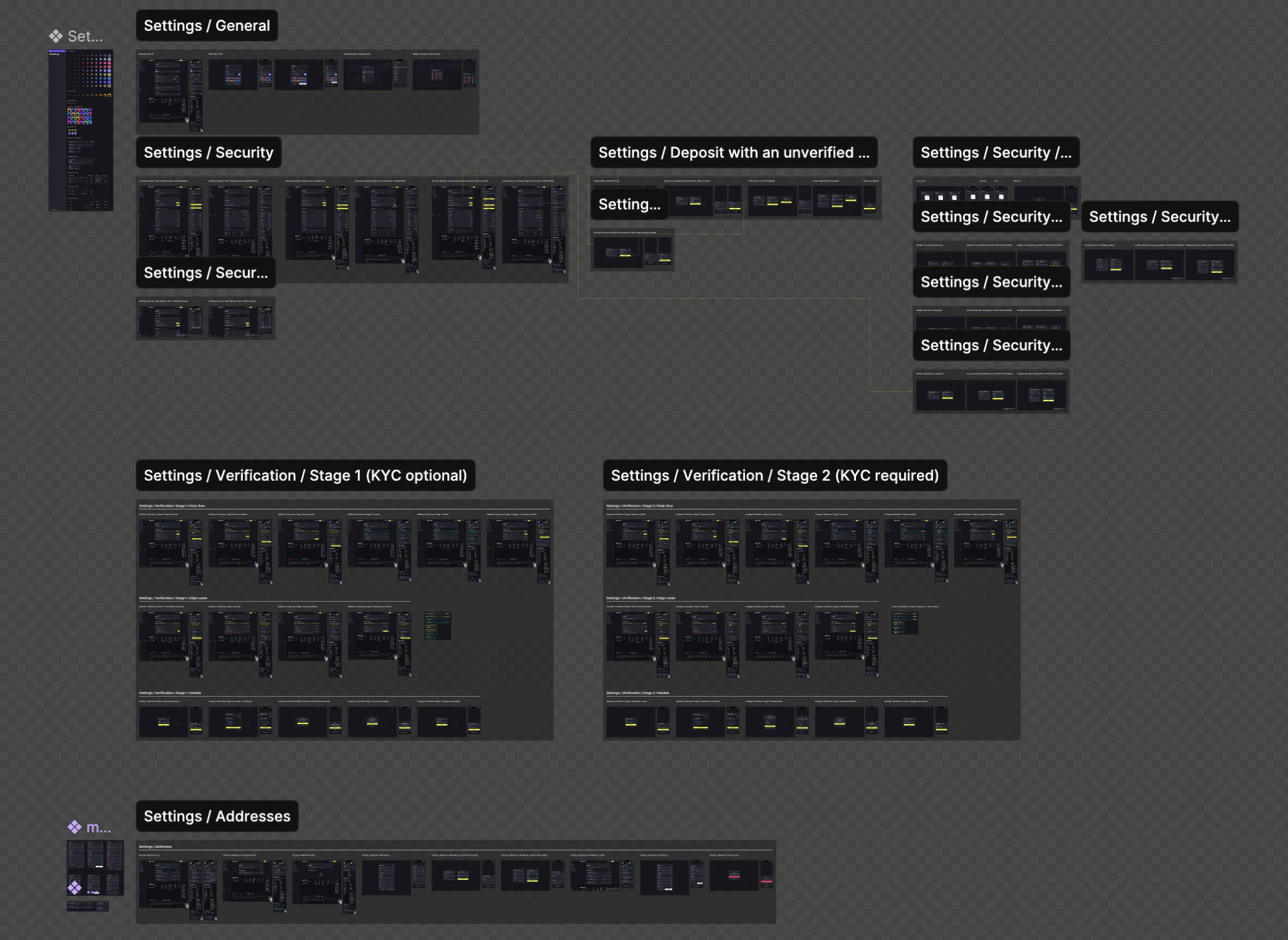
Settings scope in Figma
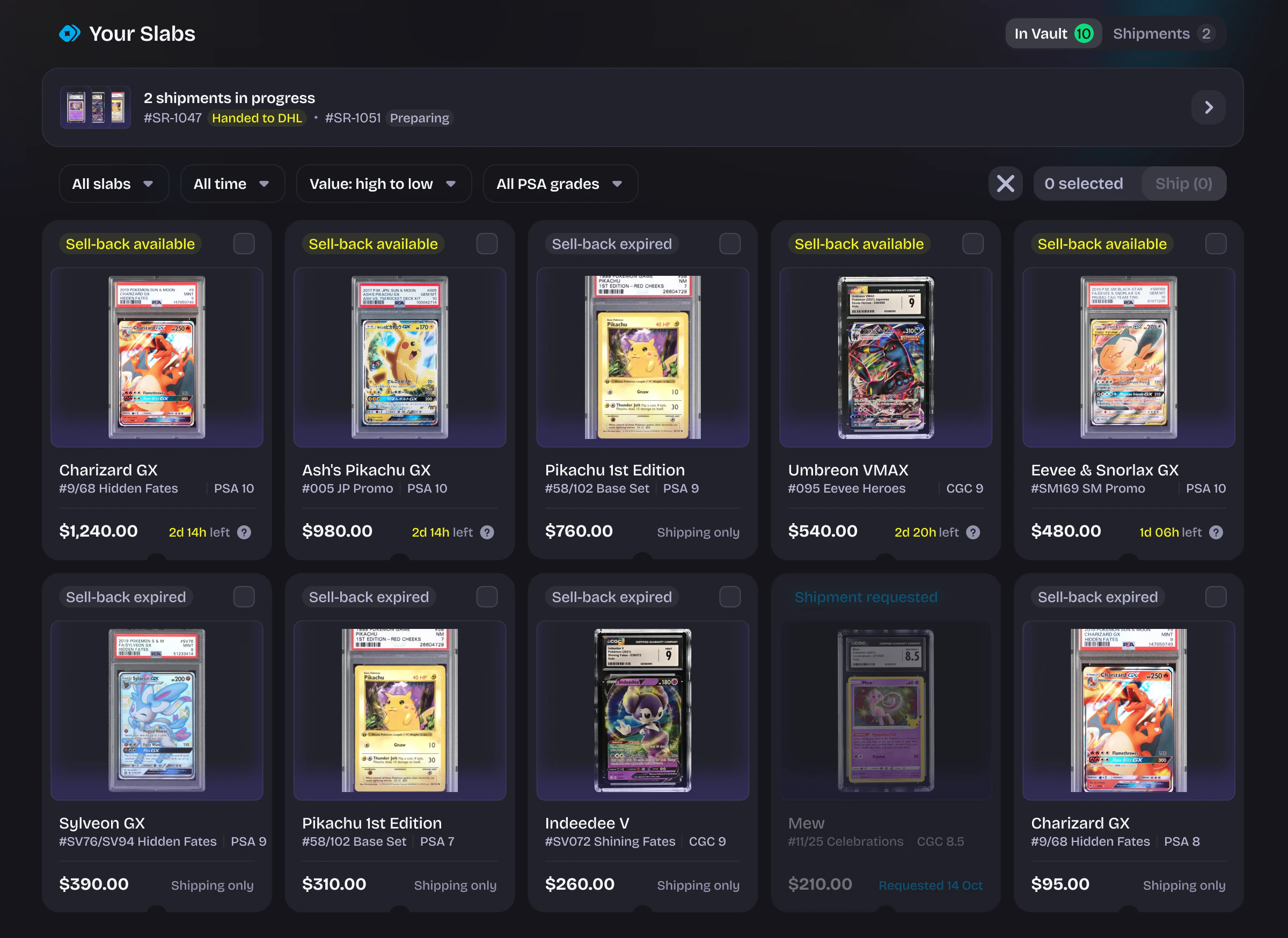
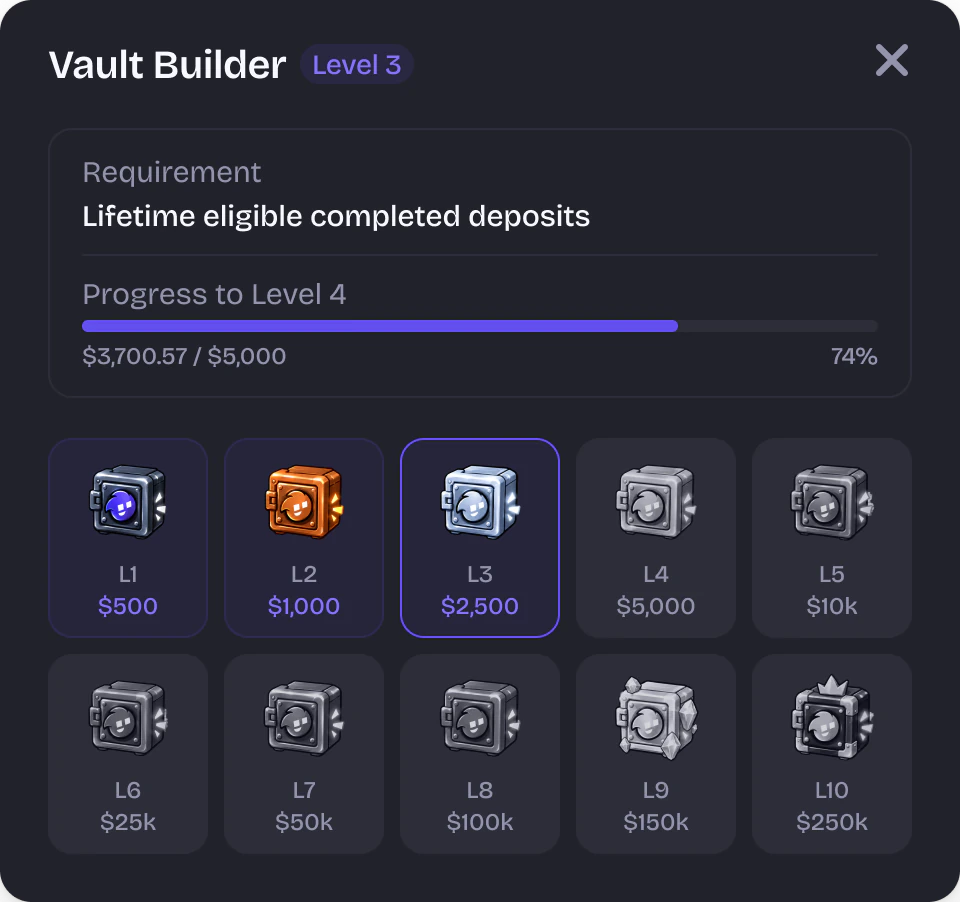
Vault
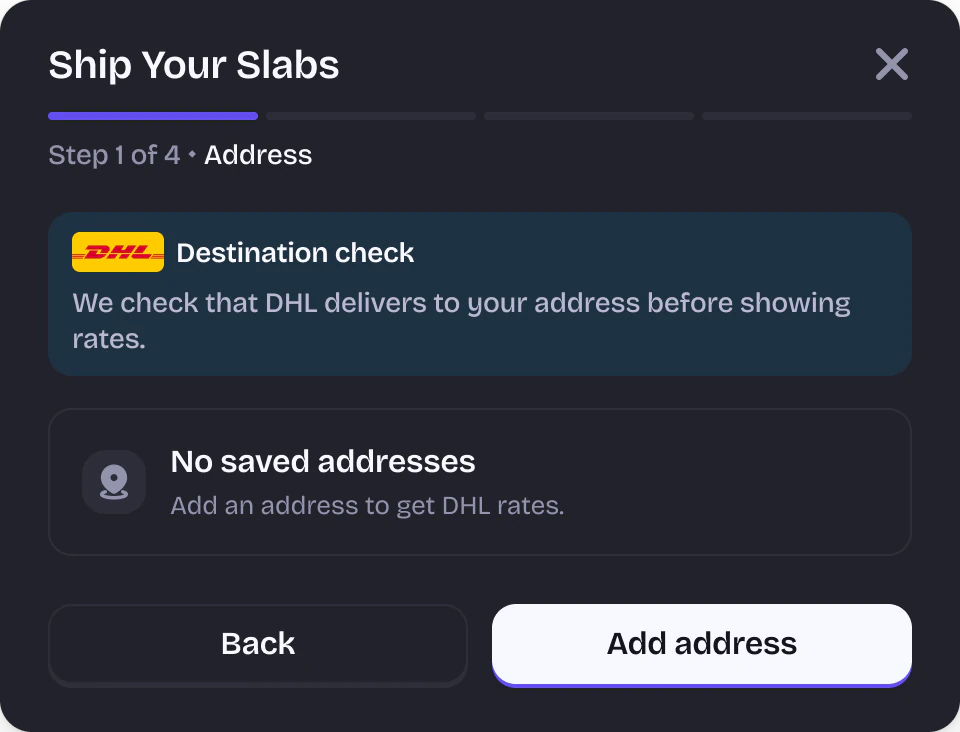
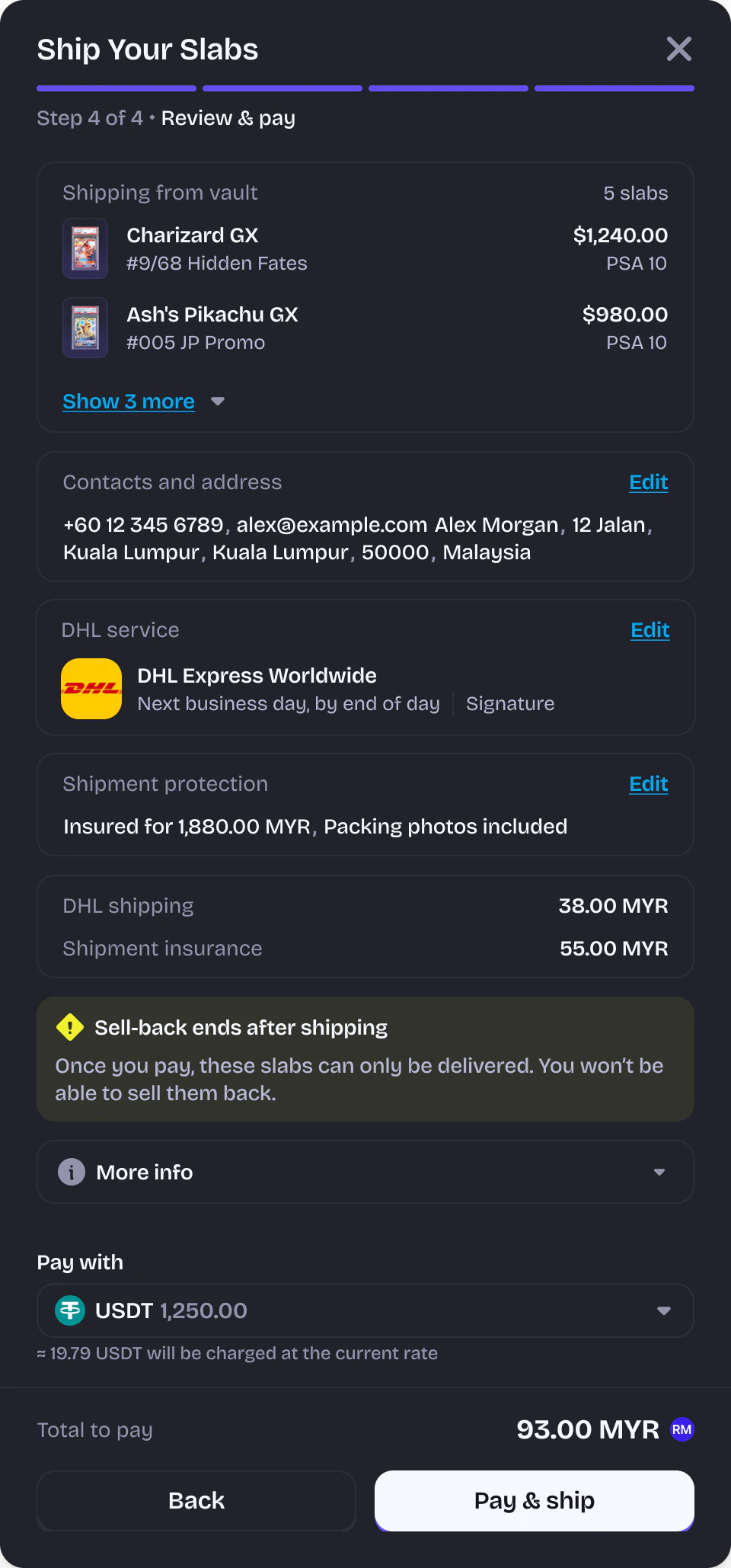

Shipping
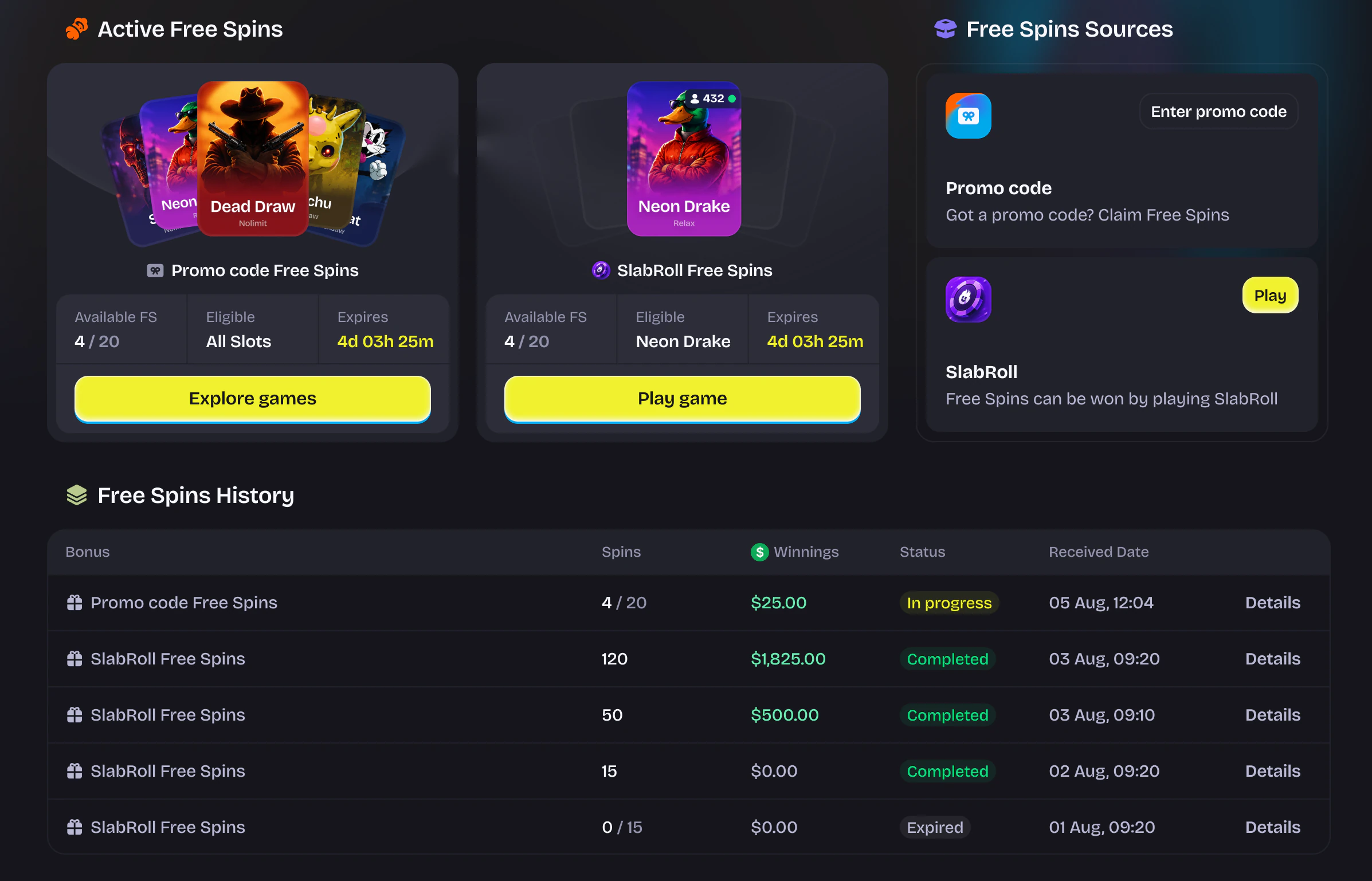
Free Spins
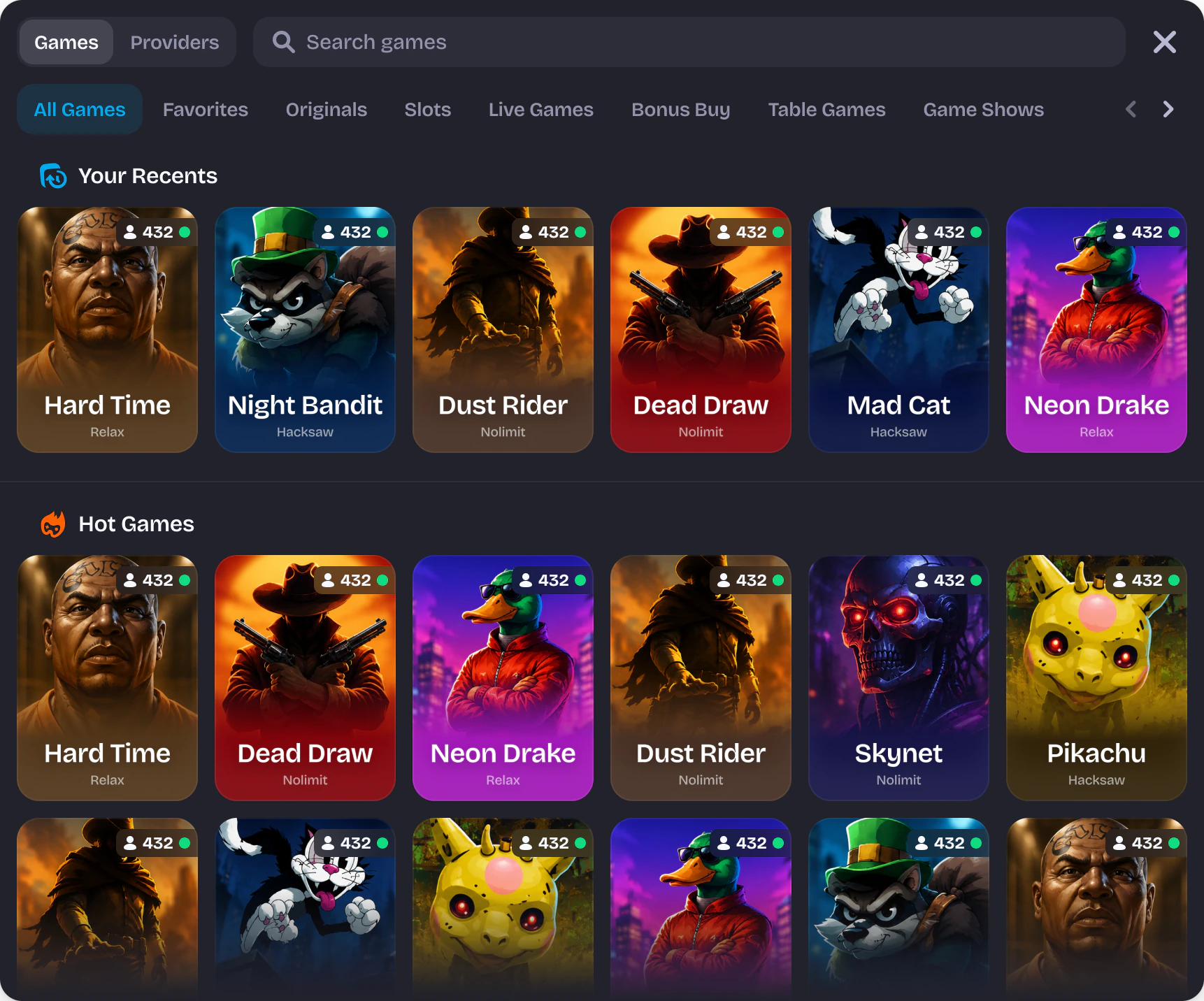
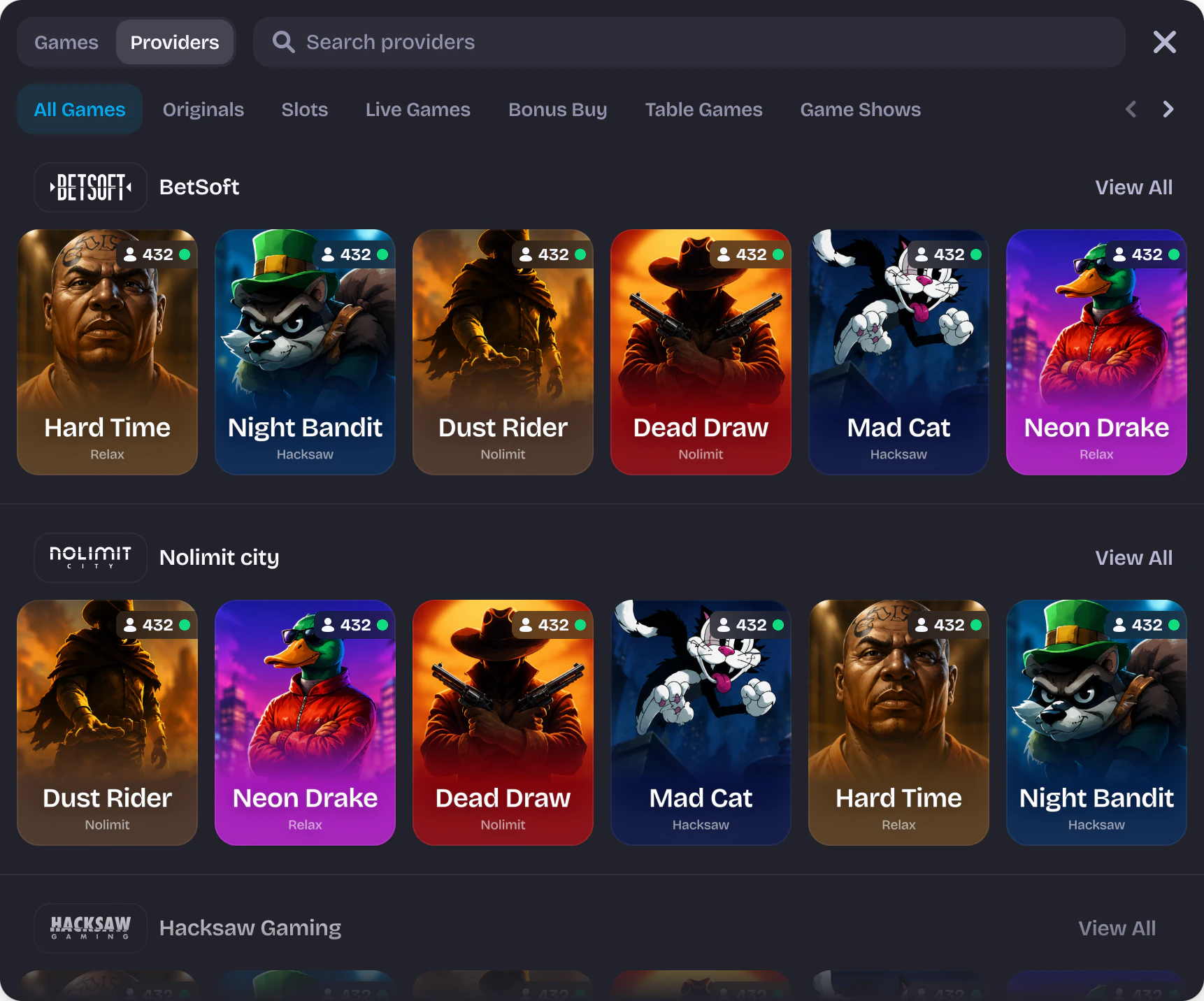
Search
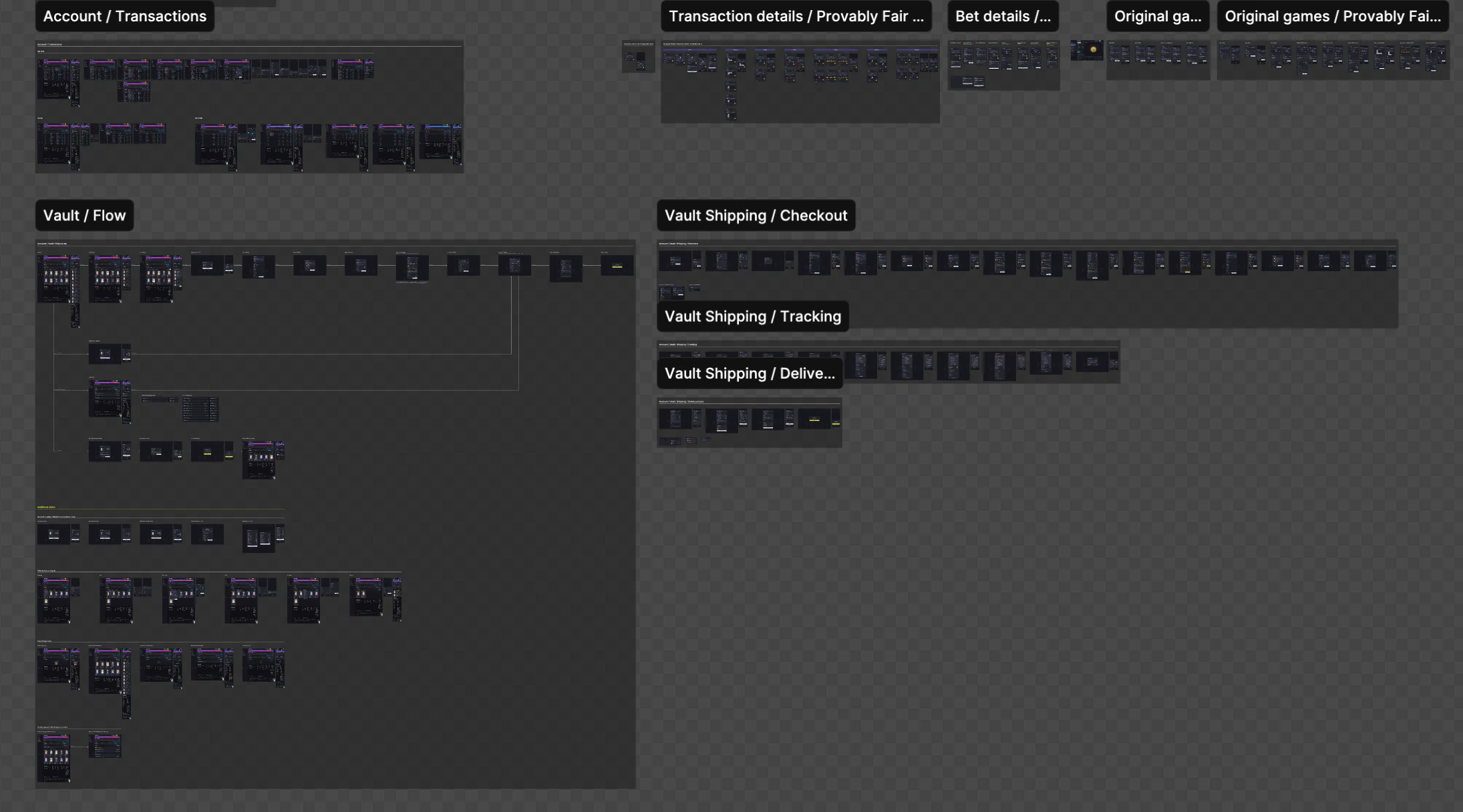
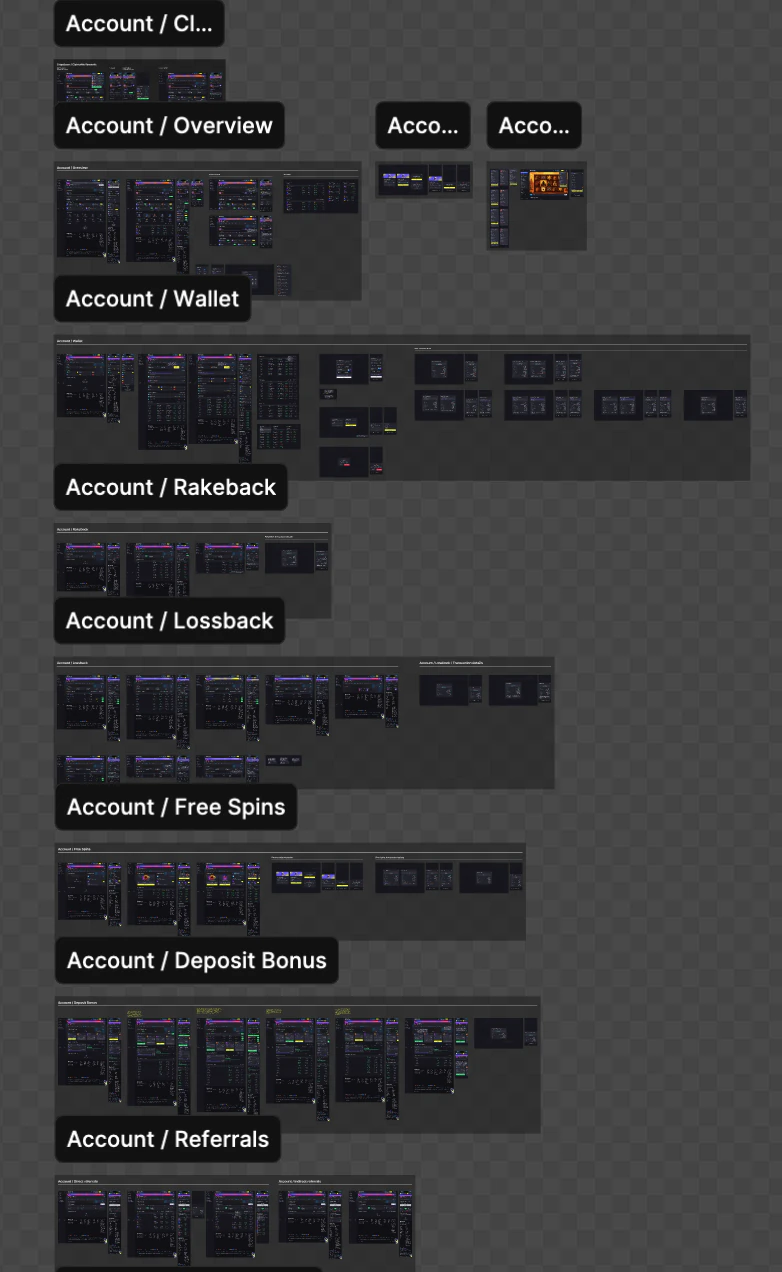
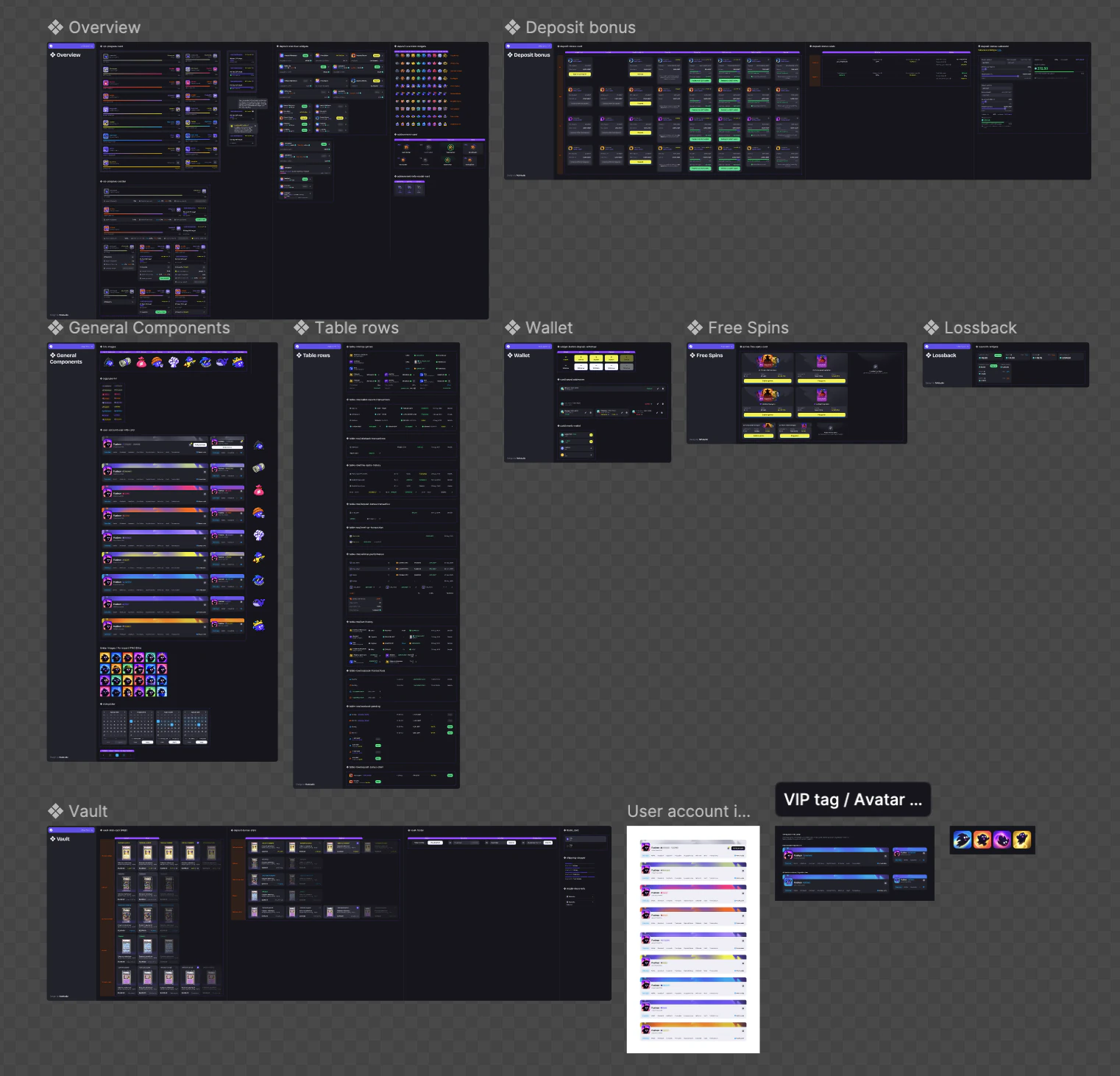
A small part of the Figma file
Outcome
The design is handed off, and the platform is in active development before launch.